RecruitProATS
Designing a Scalable SaaS Recruitment Dashboard for Modern Hiring Teams
RecruitPro ATS is a concept SaaS recruitment platform designed to help HR teams streamline candidate tracking, improve hiring visibility, and make data-driven decisions.
The goal was to create a clean, scalable, and intuitive dashboard that simplifies complex recruitment workflows.
Role
End-to-end
Timeline
Research to Prototype
Tools Used
User Flow Mapping
Product Type
Recruitment Platform
Problem Statement
Recruitment teams often manage candidates using disconnected tools such as spreadsheets, emails, and multiple job portals. This leads to:
- Limited visibility across hiring stages
- Manual and error-prone candidate tracking
- Delays in interview coordination
- Insufficient real-time hiring insights
This highlighted the need for a centralized recruitment dashboard that brings clarity to hiring workflows, improves operational efficiency, and enables measurable performance insights.
Business Goals
Accelerated
Hiring
Reduce time-to-hire through improved pipeline visibility
Centralized Workflow
Centralize recruitment workflow in one unified system
Data-Driven Decisions
Enable data-driven hiring decisions using real-time analytics
Operational Efficiency
Increase recruiter productivity with structured candidate tracking
Target Users
Recruiters
• Manage multiple open roles
• Screen large volumes of candidates
• Coordinate interviews efficiently
HR Managers
• Monitor hiring performance
• Track recruitment metrics
• Make strategic hiring decisions
User Personas

Neha Kapoor
Recruiter,
Mid-Level Talent Acquisition Specialist, 28 Years
Neha works at a fast-growing tech startup managing 6–8 open roles simultaneously. She handles sourcing, screening, interview scheduling, and candidate communication. She works closely with hiring managers and HR leadership.
She relies heavily on spreadsheets, email threads, LinkedIn, and job portals.
Shortlist high-potential candidates quickly
Maintain clear pipeline visibility
Reduce coordination delay
Manual resume screening
Losing track of interview feedback
Tool switching between ATS and spreadsheets
- Google Sheets
- LinkedIn Recruiter
- Email (Gmail/Outlook)
- Calendar scheduling tools
- Time-to-hire
- Number of candidates processed per week
- Interview-to-offer conversion rate
Key Insight
Neha needs an operational dashboard that simplifies tracking and reduces manual coordination effort.

Rohit Verma
HR Manager,
Head of Talent & People Operations
35 Years
Arjun oversees recruitment strategy across departments. He monitors hiring progress, evaluates team performance, and reports metrics to leadership. He does not handle day-to-day candidate screening but needs visibility into recruitment outcomes.
Monitor hiring KPIs across departments
Identify bottlenecks in hiring pipeline
Optimize recruitment ROI
Lack of centralized analytics dashboard
Delayed performance reports
Limited cross-team visibility
- Monitor hiring performance across teams
- Identify bottlenecks in recruitment process
- Improve recruitment efficiency
- Make strategic hiring decisions based on data
- Time-to-fill per role
- Cost-per-hire
- Offer acceptance rate
- Recruitment performance by department
Key Insight
Rohit needs a strategic analytics view that provides high-level insights without overwhelming operational detail.
User Research Insights
Through interviews and secondary research with recruiters and HR managers, several recurring challenges emerged:
78%
of recruiters rely on spreadsheets alongside ATS tools, resulting in fragmented workflows.
62%
struggle to efficiently track interview progress across multiple hiring stages.
45%
reported limited access to real-time hiring analytics and performance dashboards.
Research Synthesis
The research indicates that modern recruitment tools must seamlessly combine structured operational workflow management with strategic, real-time analytics visibility to eliminate inefficiencies and improve hiring outcomes.
User Journey Map
|
Application
|
Screening
|
Interview
|
Offer
|
|---|---|---|---|
|
Actions
Coordinates interview rounds → Collects feedback → Updates status |
Actions
Coordinates interview rounds → Collects feedback → Updates status |
Actions
Coordinates interview rounds → Collects feedback → Updates status |
Actions
Coordinates interview rounds → Collects feedback → Updates status |
|
Pain Points
• Manual resume sorting • Duplicate candidate entries • Inconsistent candidate data |
Pain Points
• Tracking interview updates manually • Missed follow-ups • Fragmented communication across tools |
Pain Points
• Status confusion across stakeholders • Delayed feedback collection • Lack of structured evaluation |
Pain Points
• Delayed approvals • Manual offer tracking • Lack of offer stage visibility |
|
Opportunities
• AI-based resume parsing • Automated candidate tagging • Smart duplicate detection |
Opportunities
• Visual Kanban pipeline • Interview scheduling automation • Centralized communication log |
Opportunities
• Clear status labels • Structured feedback forms • Real-time status notifications |
Opportunities
• Centralized approval workflow • Offer stage tracking dashboard • Automated offer notifications |
Information Architecture
The platform structure was simplified into clear sections ensuring easy navigation and scalability.
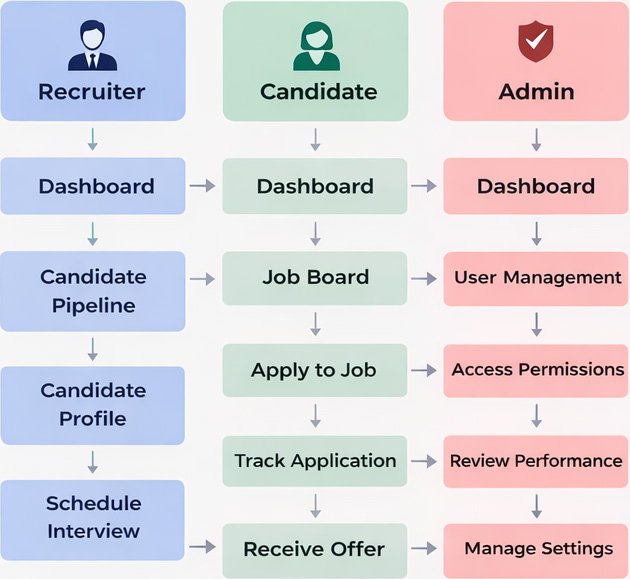
The platform supports three role-based access types:
Recruiter, Candidate, and Admin. The architecture remains consistent, while permissions vary by role.
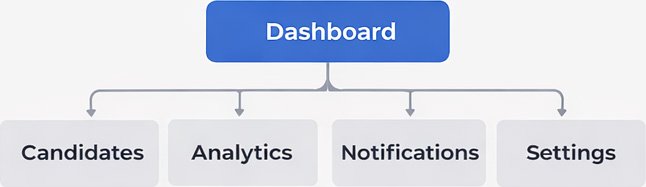
- Overview Metrics
(Open roles, Active candidates, Time-to-hire) - Quick Action Shortcuts
- Recent Activity Feed
- Hiring Performance Dashboard
- Funnel Conversion Rates
- Time-to-Fill Metrics
- Department-Level Reports
Candidates
• Candidate Pipeline
• Candidate Profiles
• Resume Parsing
• Status Tracking
• Notes & Feedback
Analytics
• Performance Dashboard
• Funnel Conversion Rates
• Time-to-Fill Metrics
• Department-Level Reports
Notifications
• Interview Reminders
• Status Updates
• Approval Alerts
Settings
• Role Managements
• User Permissions
• Workflow Customization
User Flow
The flow ensures recruiters can move from overview to deep insights without confusion.
Hand-Drawn Concept Sketches
These black-and-white pencil sketches were created to quickly explore RecruitPro ATS’s layout, dashboard structure, and core workflows before moving into refined wireframes.
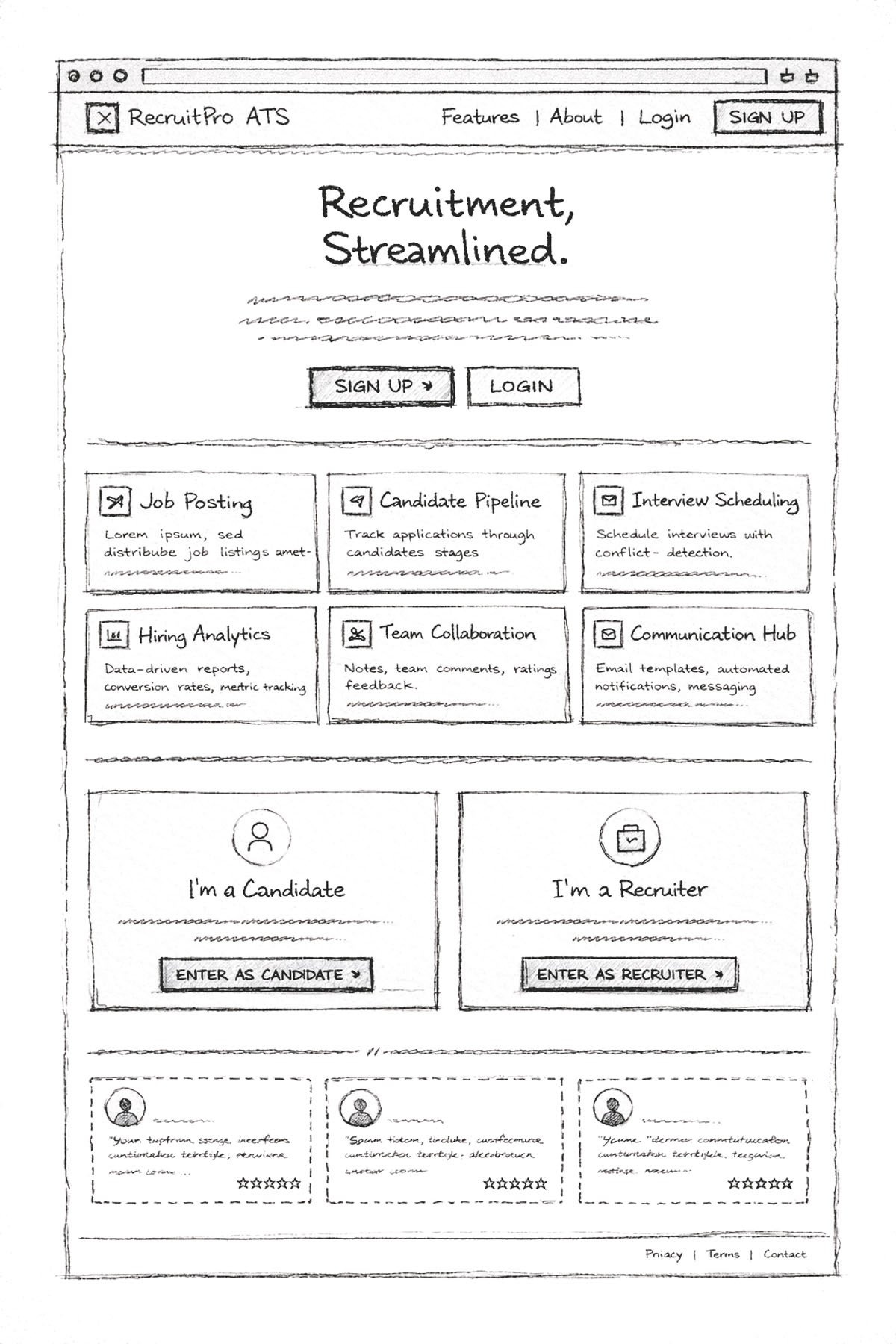
Home
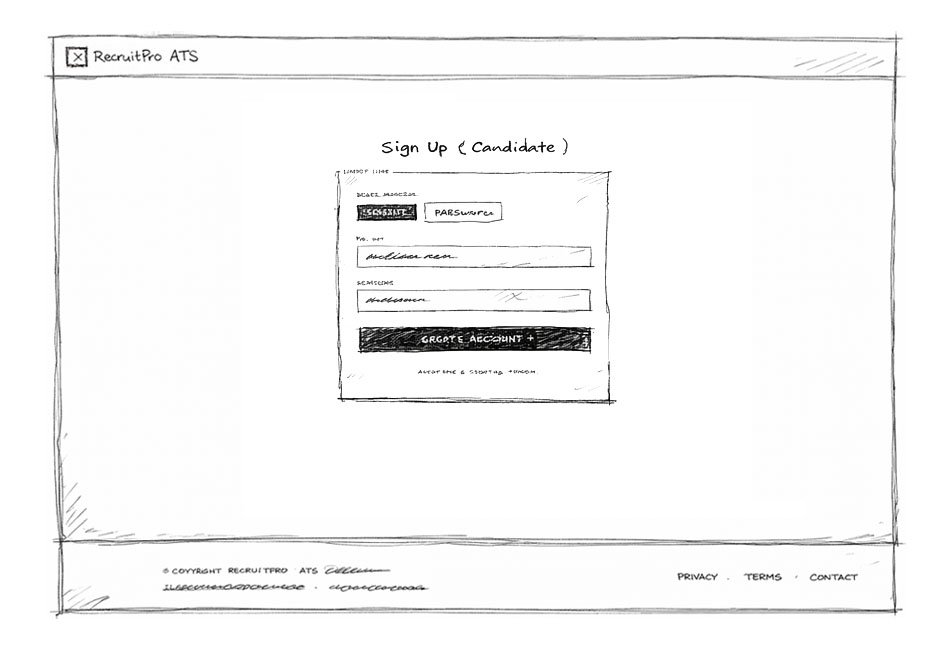
Sign up Screen
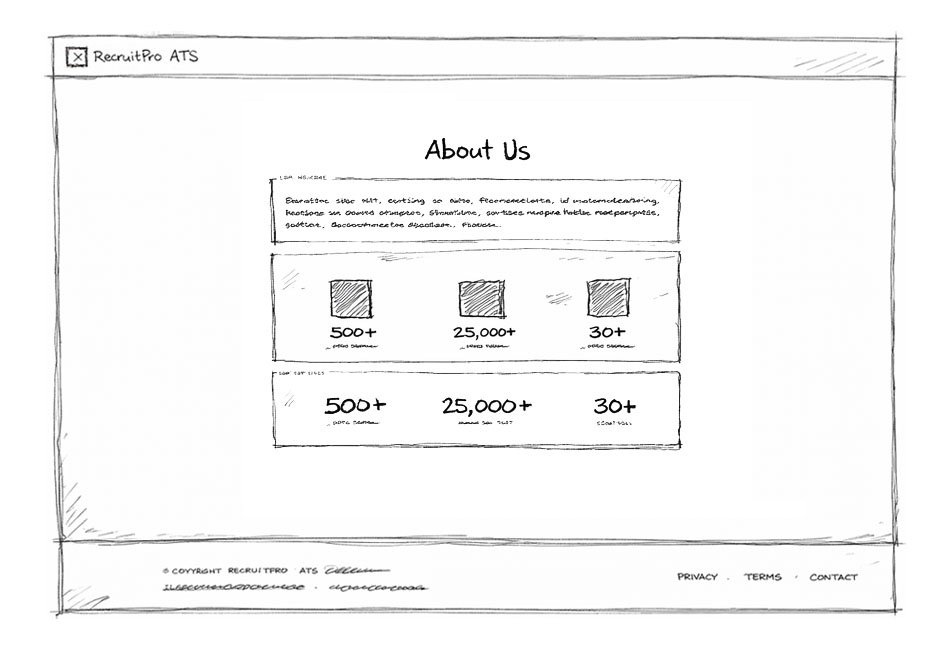
About Us
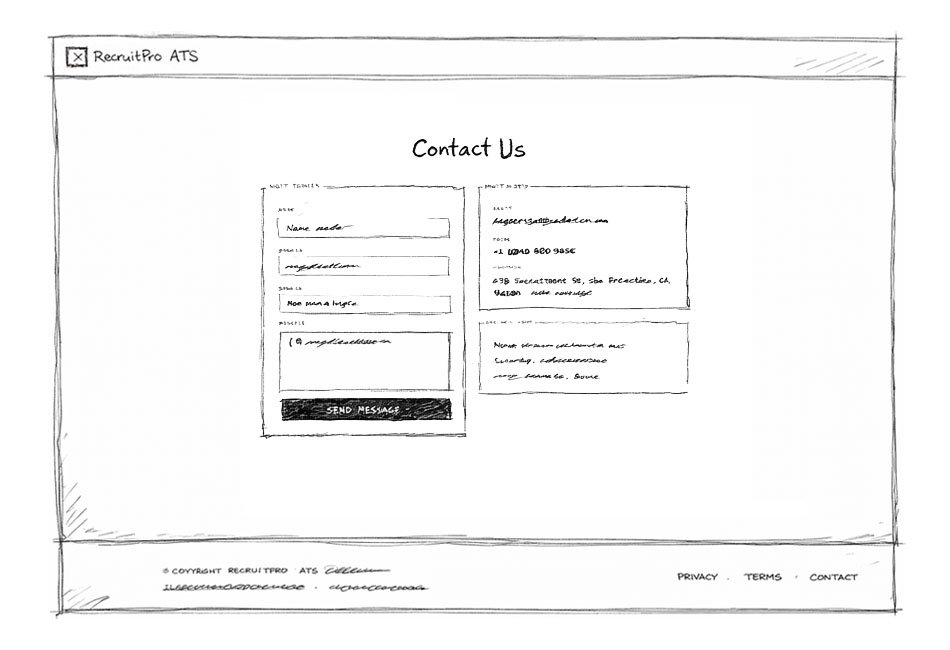
Contact Us
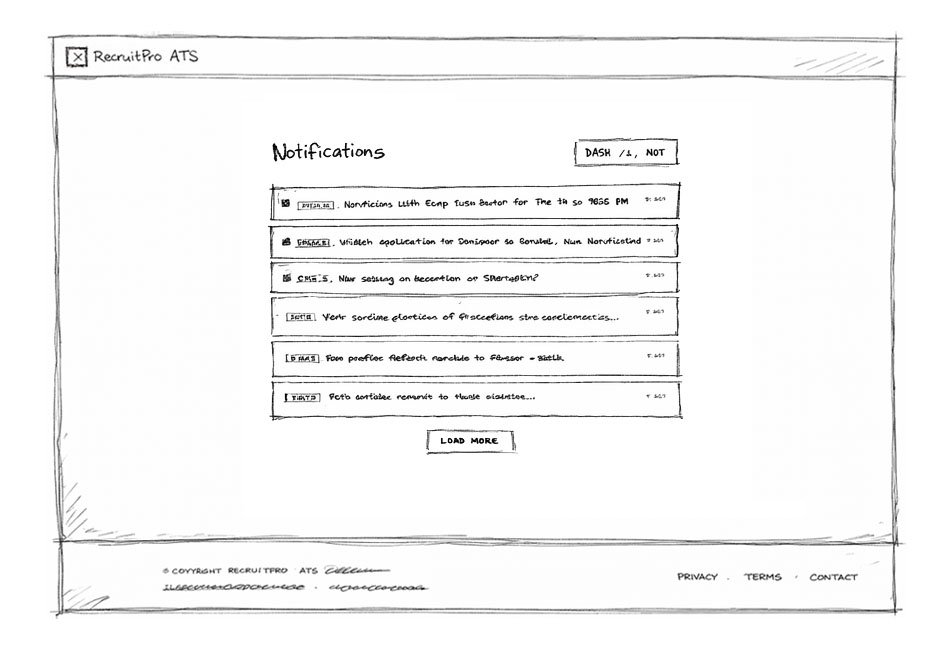
Notifications
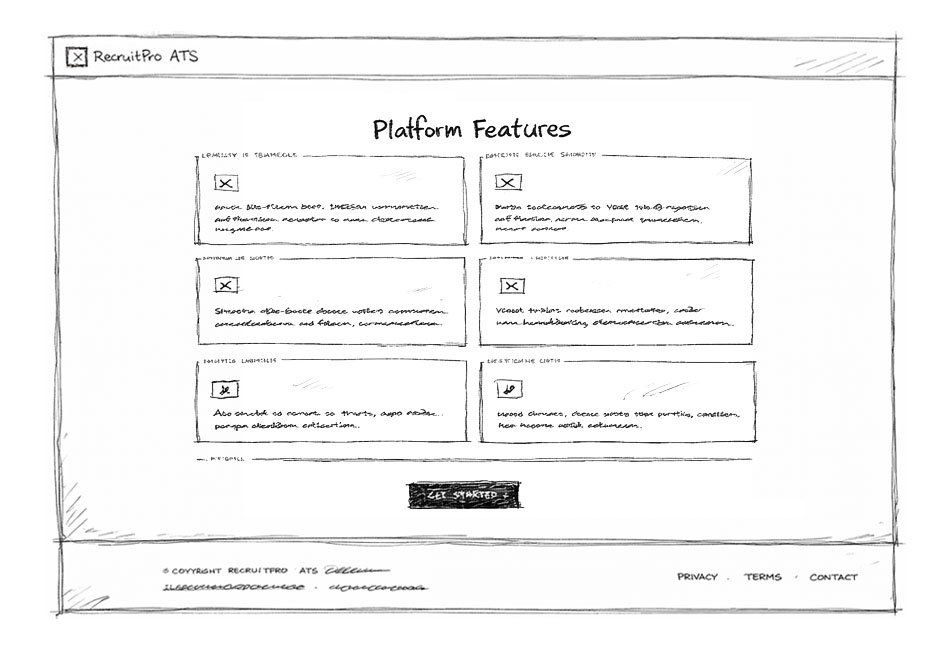
Features
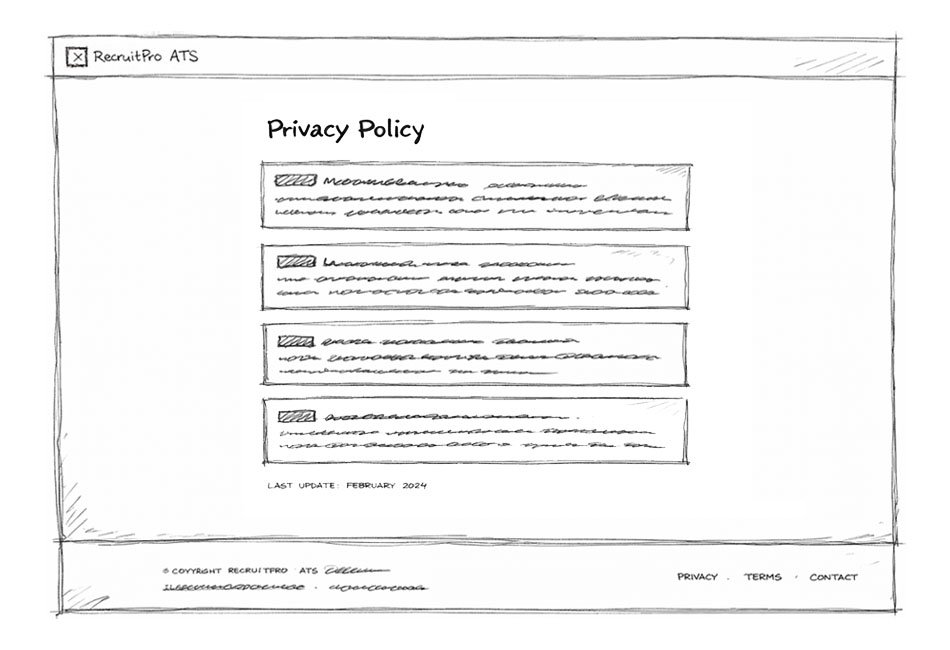
Privacy Policy
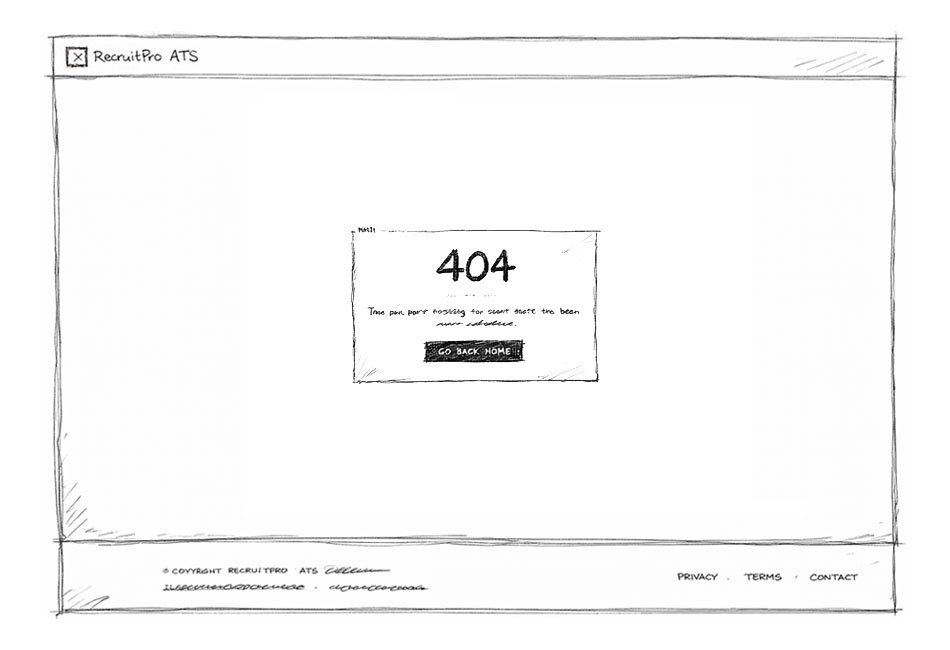
404 Error Page
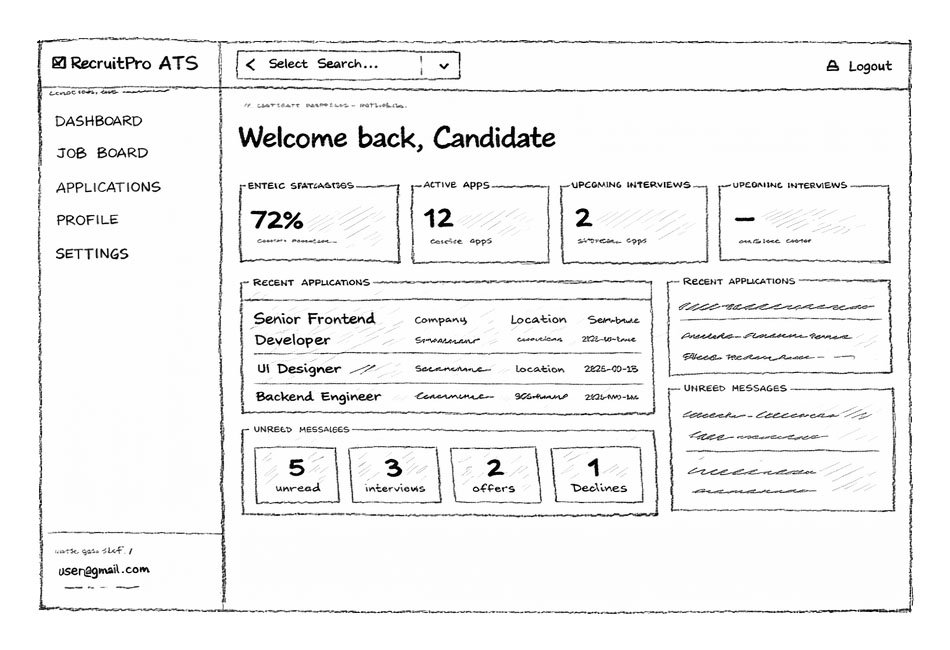
Candidate Dashboard
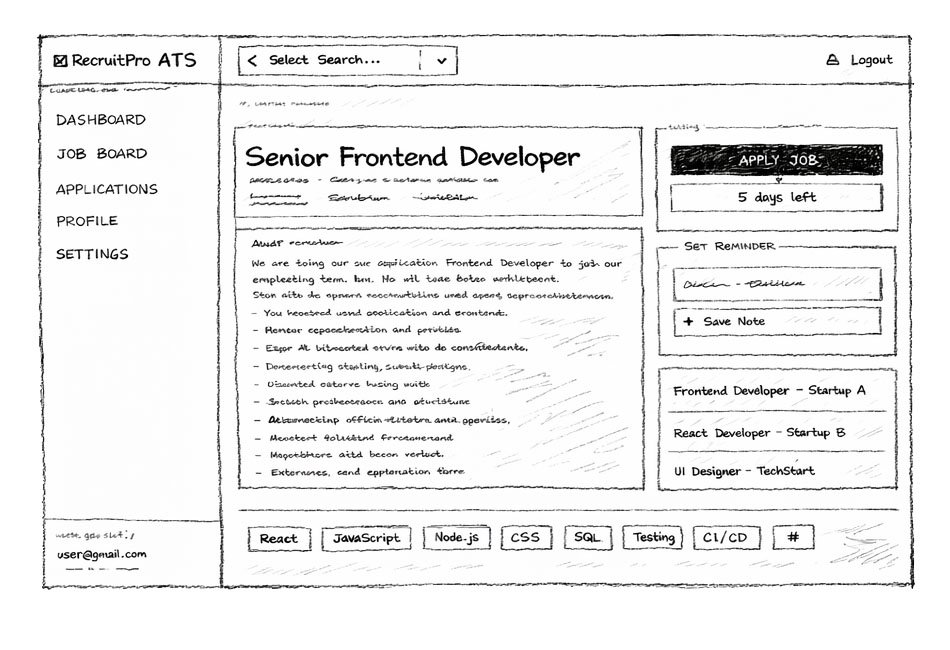
Candidate Job
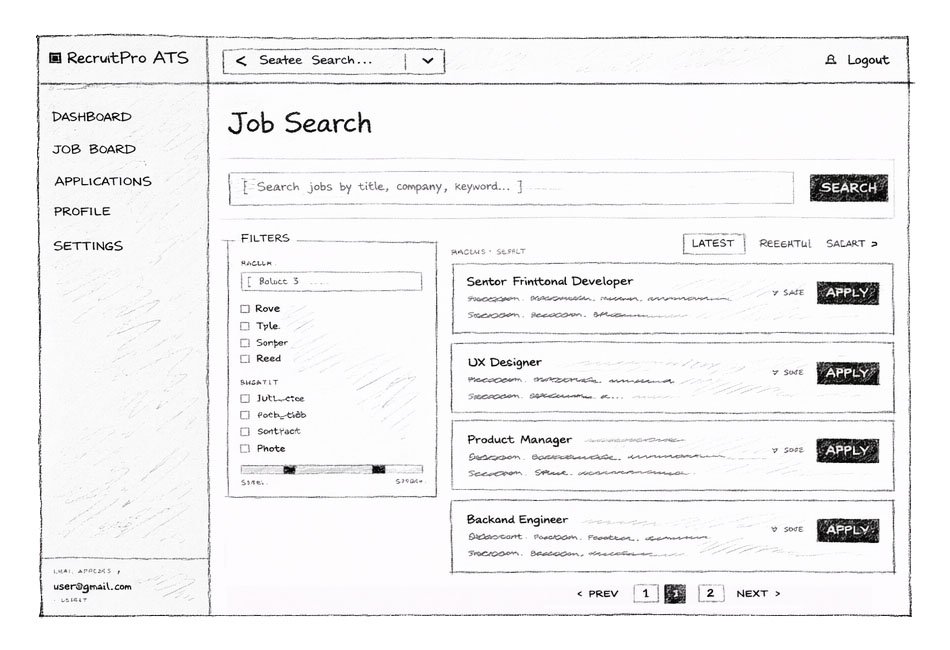
Candidate Job Search
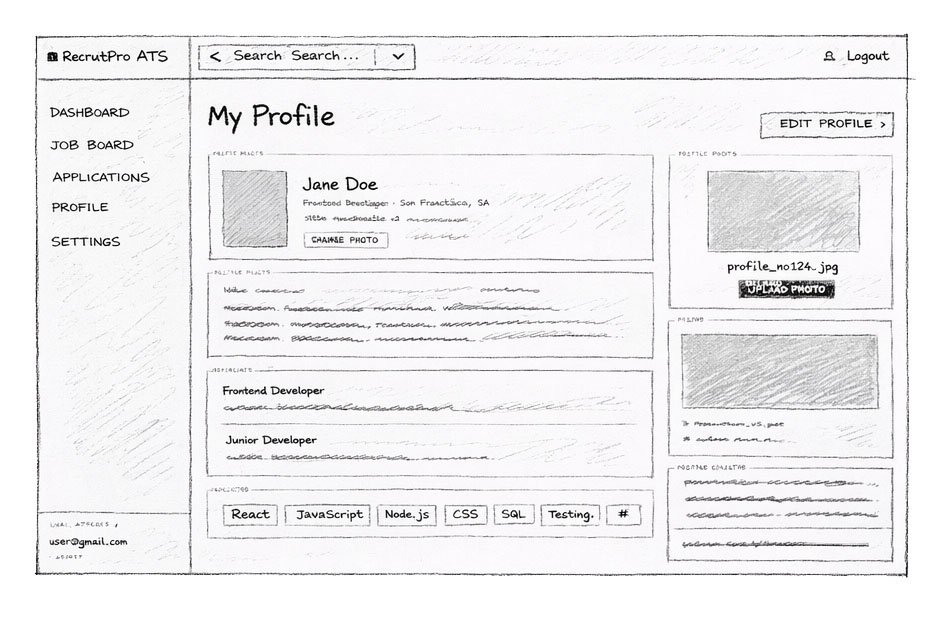
Candidate Profile
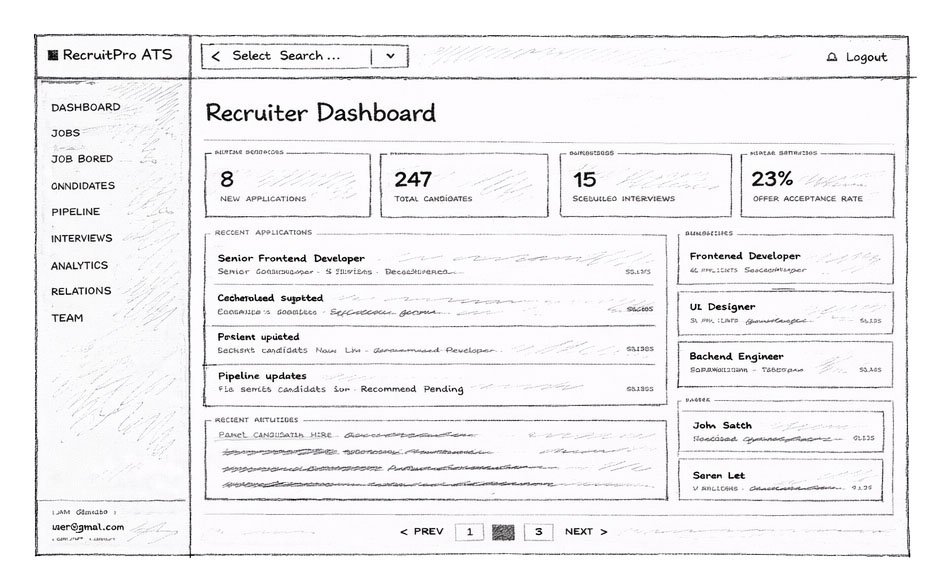
Recruiter Dashboard
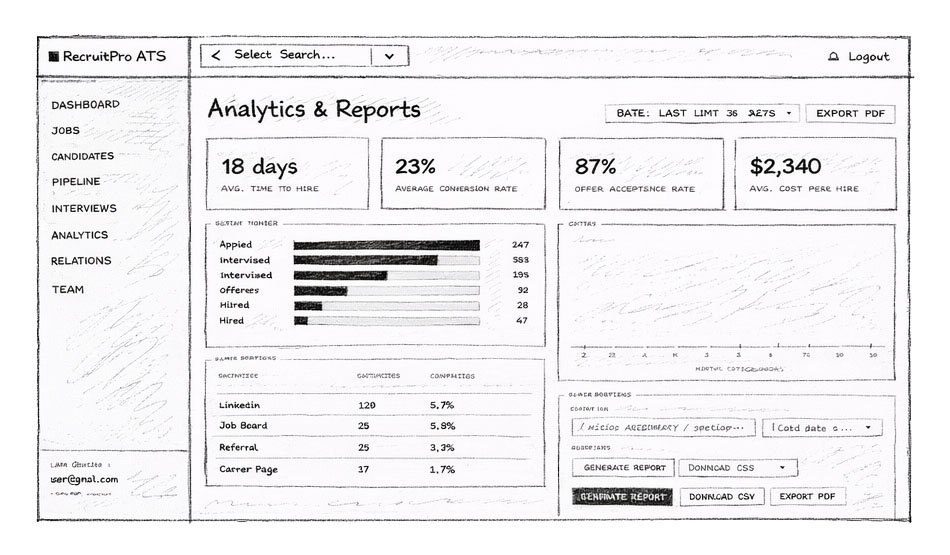
Recruiter Analytics Report
Low-Fidelity Wireframes
The final UI emphasizes clean, modern SaaS aesthetics, clear typography hierarchy, status color indicators, visual pipeline stages, and interactive analytics charts. The design balances operational functionality with professional visual appeal.
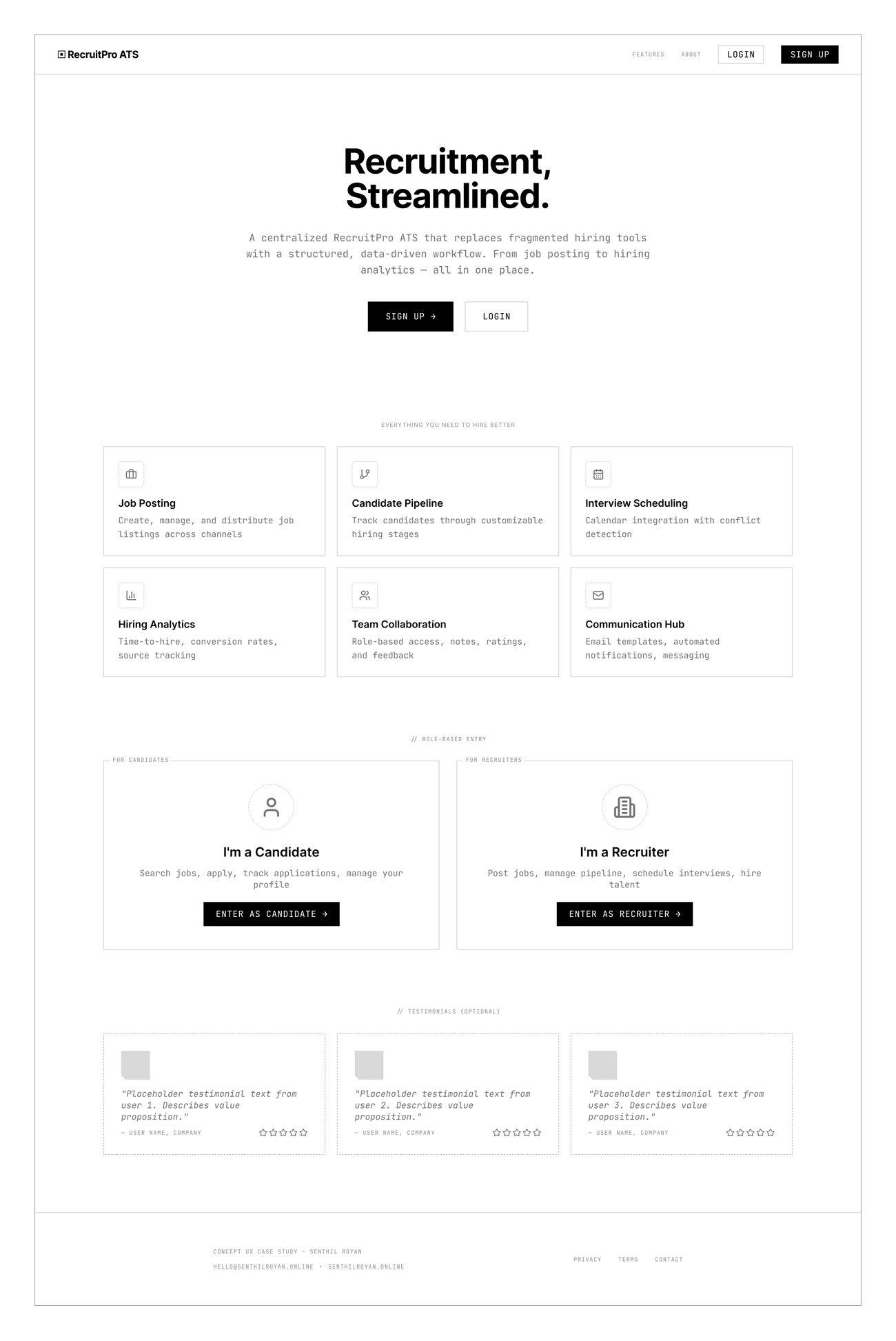
Home
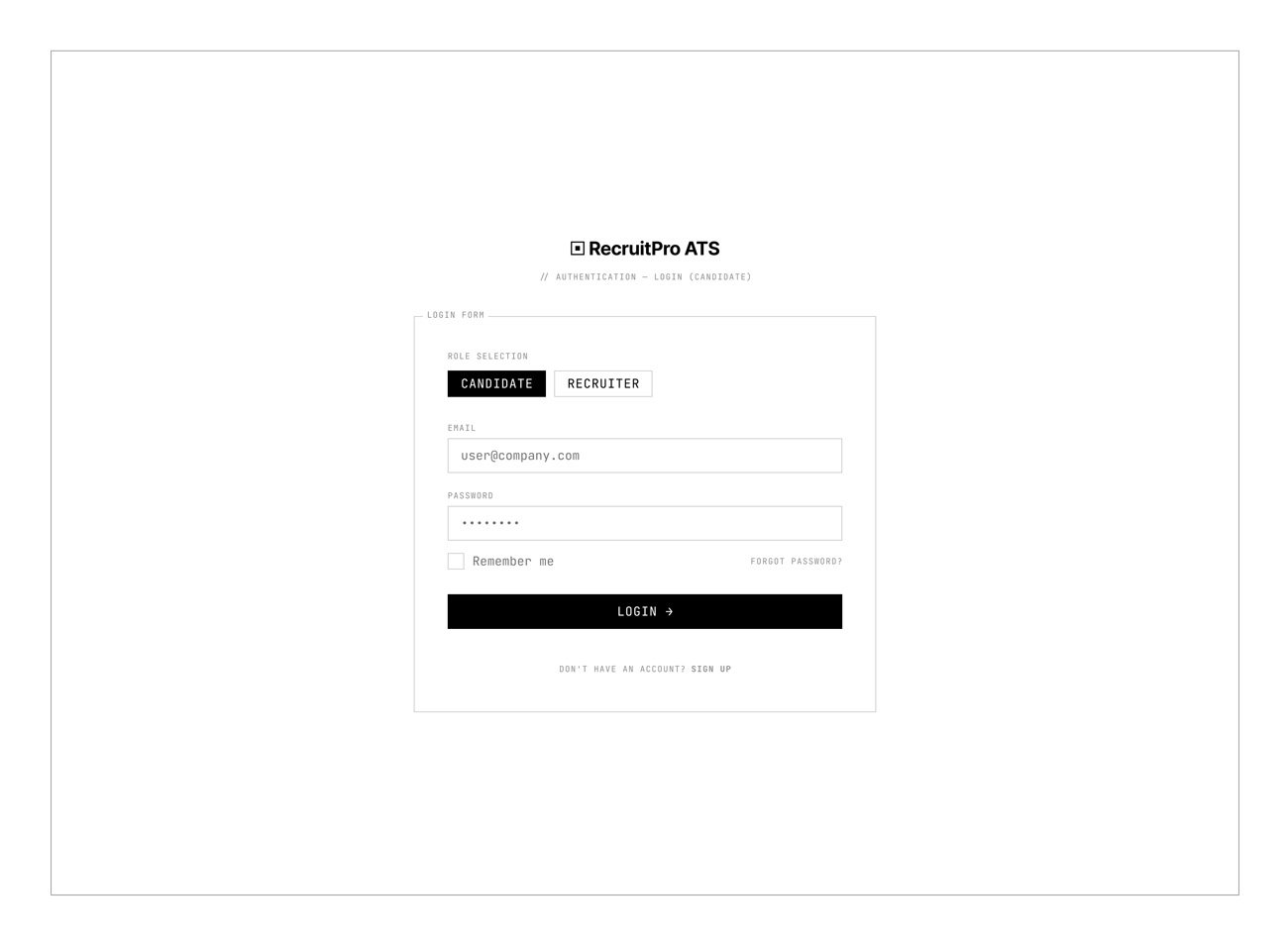
Login
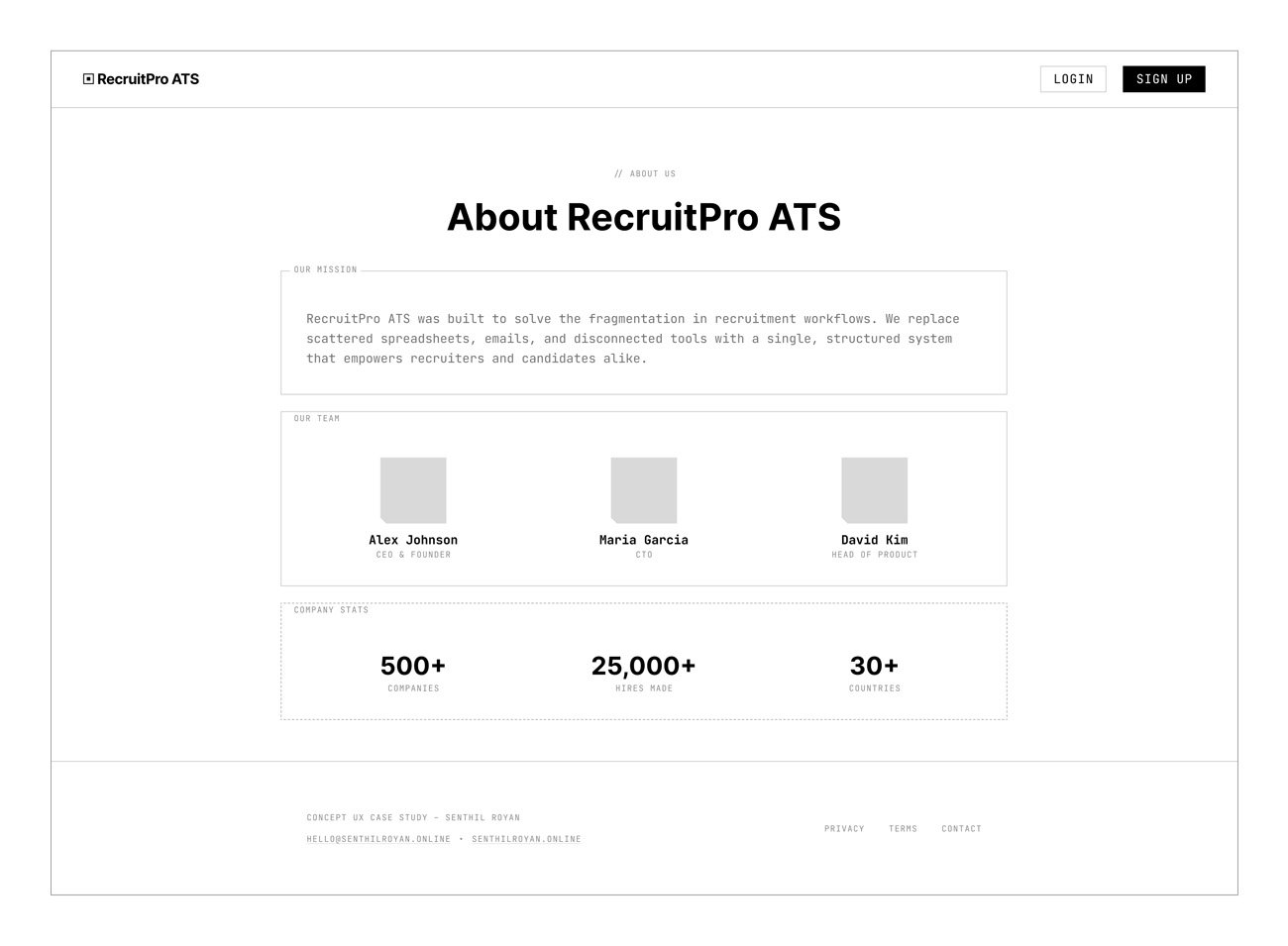
About
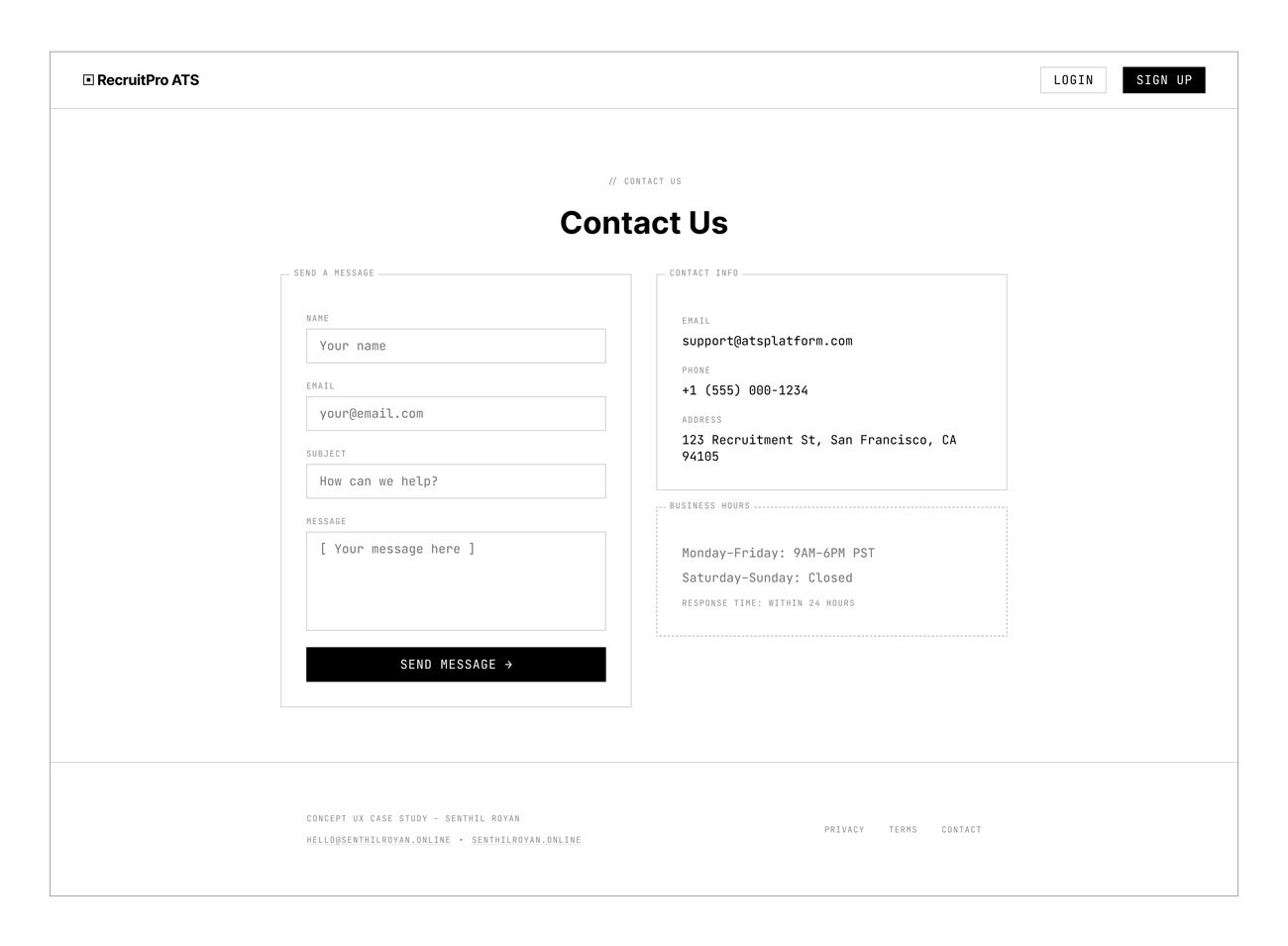
Contact
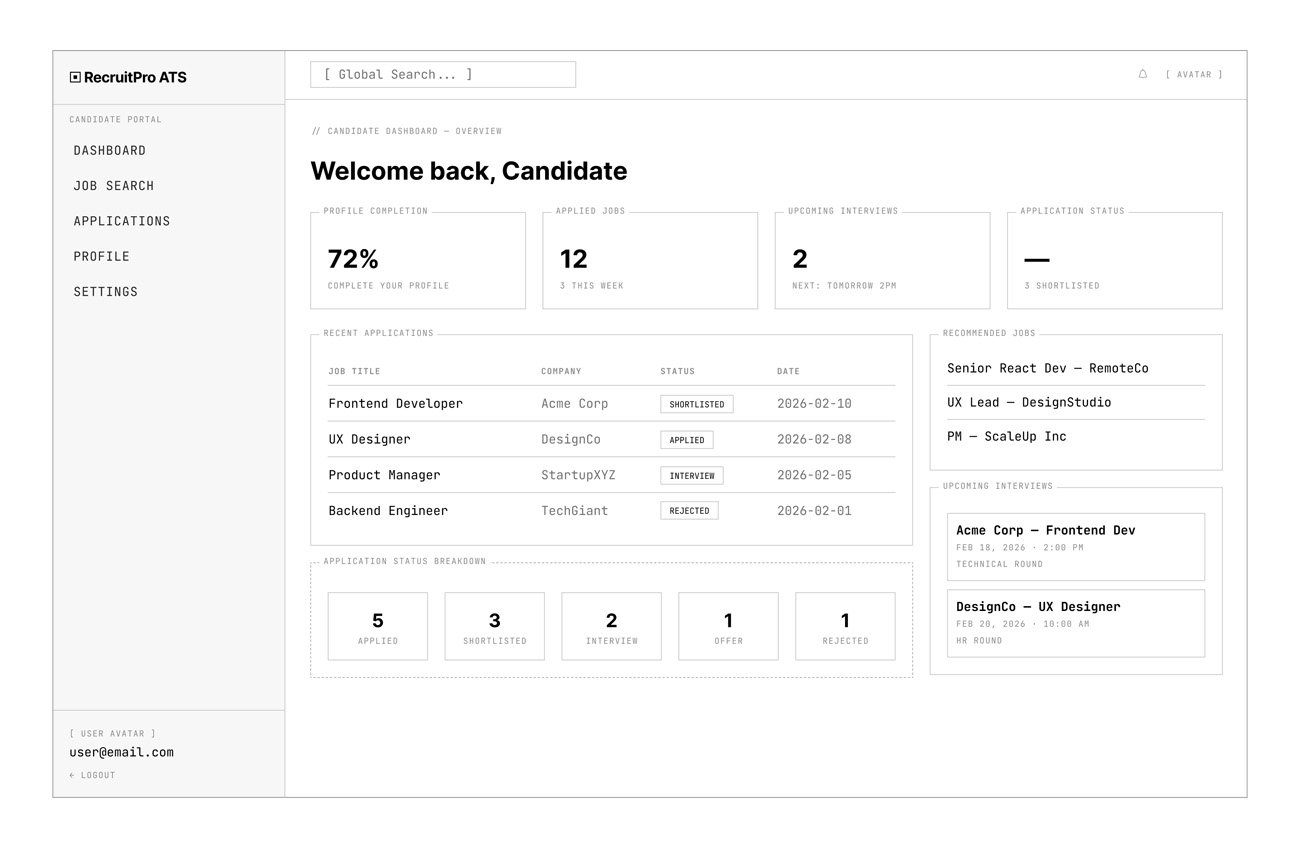
Candidate
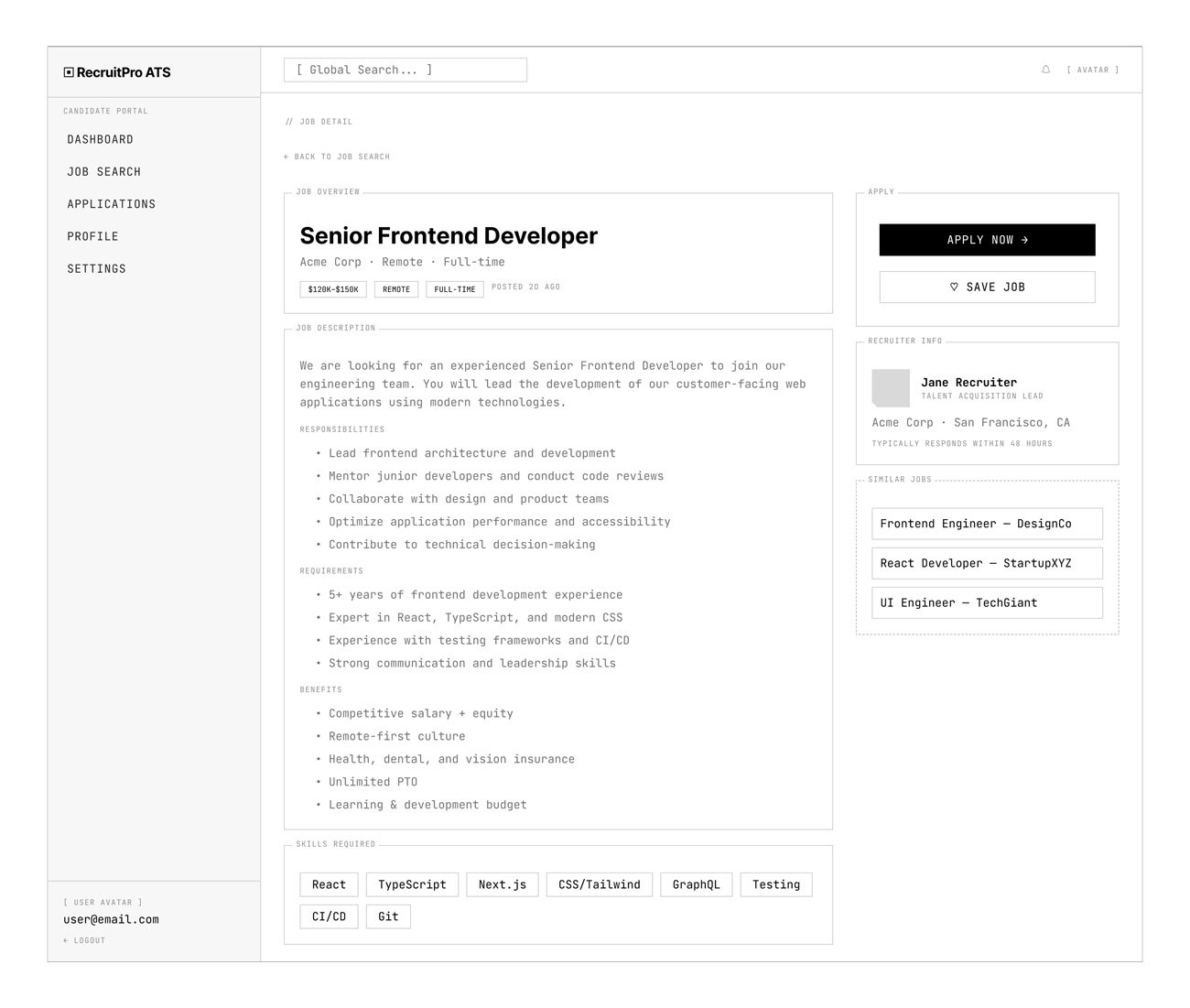
Job Search
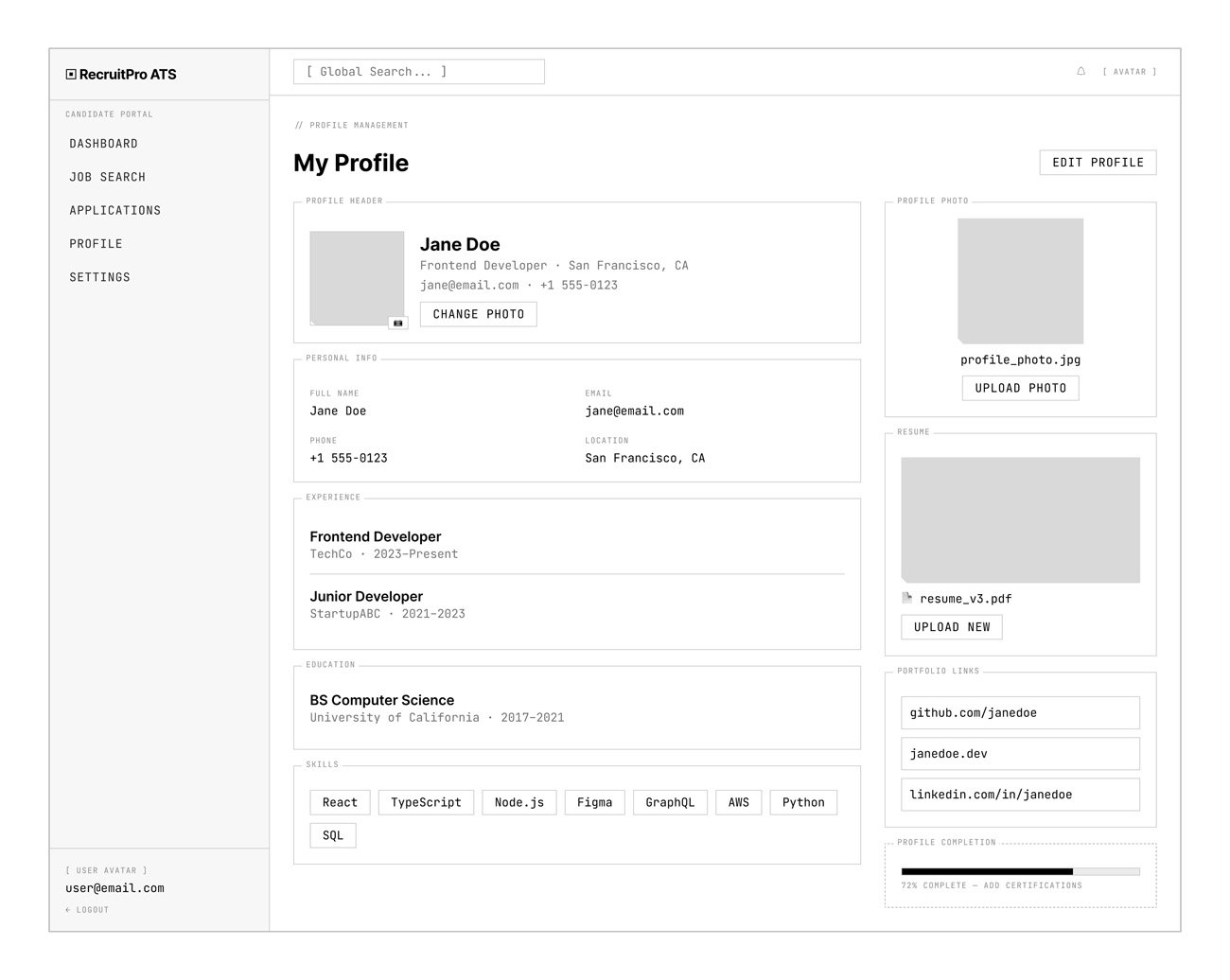
Profile
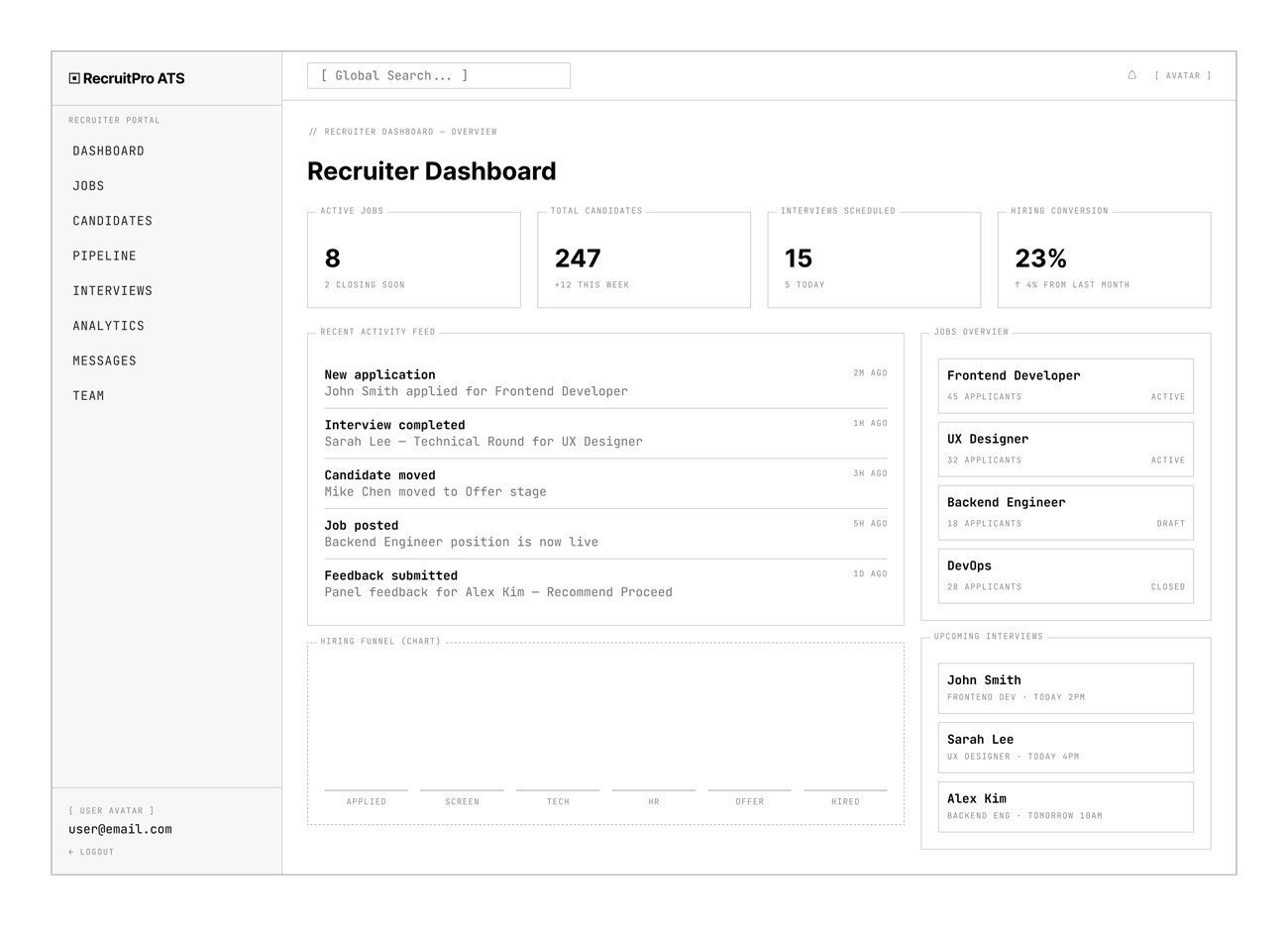
Recruiter
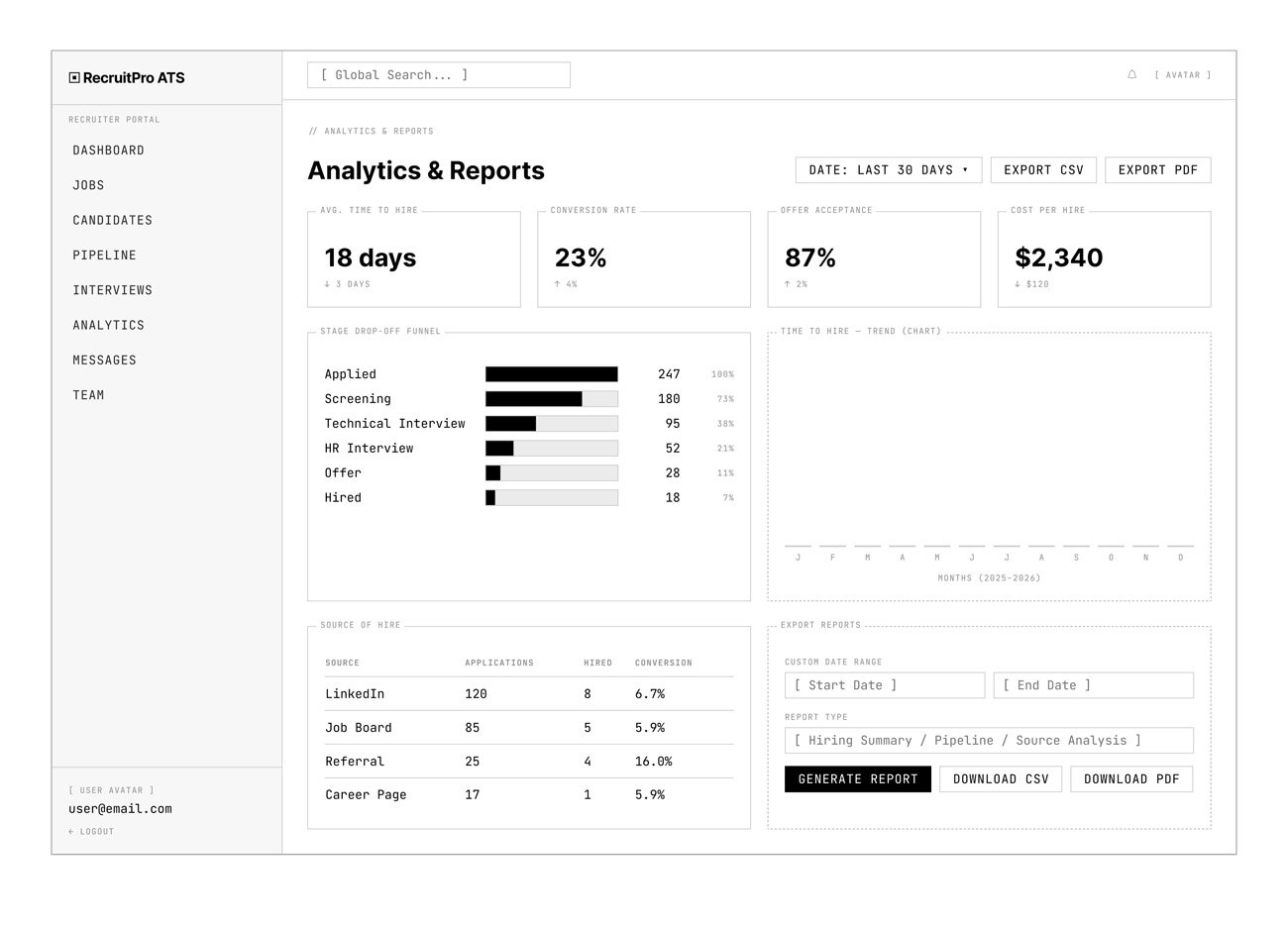
Analytics
High-Fidelity Screens
The final UI emphasizes clean, modern SaaS aesthetics, clear typography hierarchy, status color indicators, visual pipeline stages, and interactive analytics charts. The design balances operational functionality with professional visual appeal.
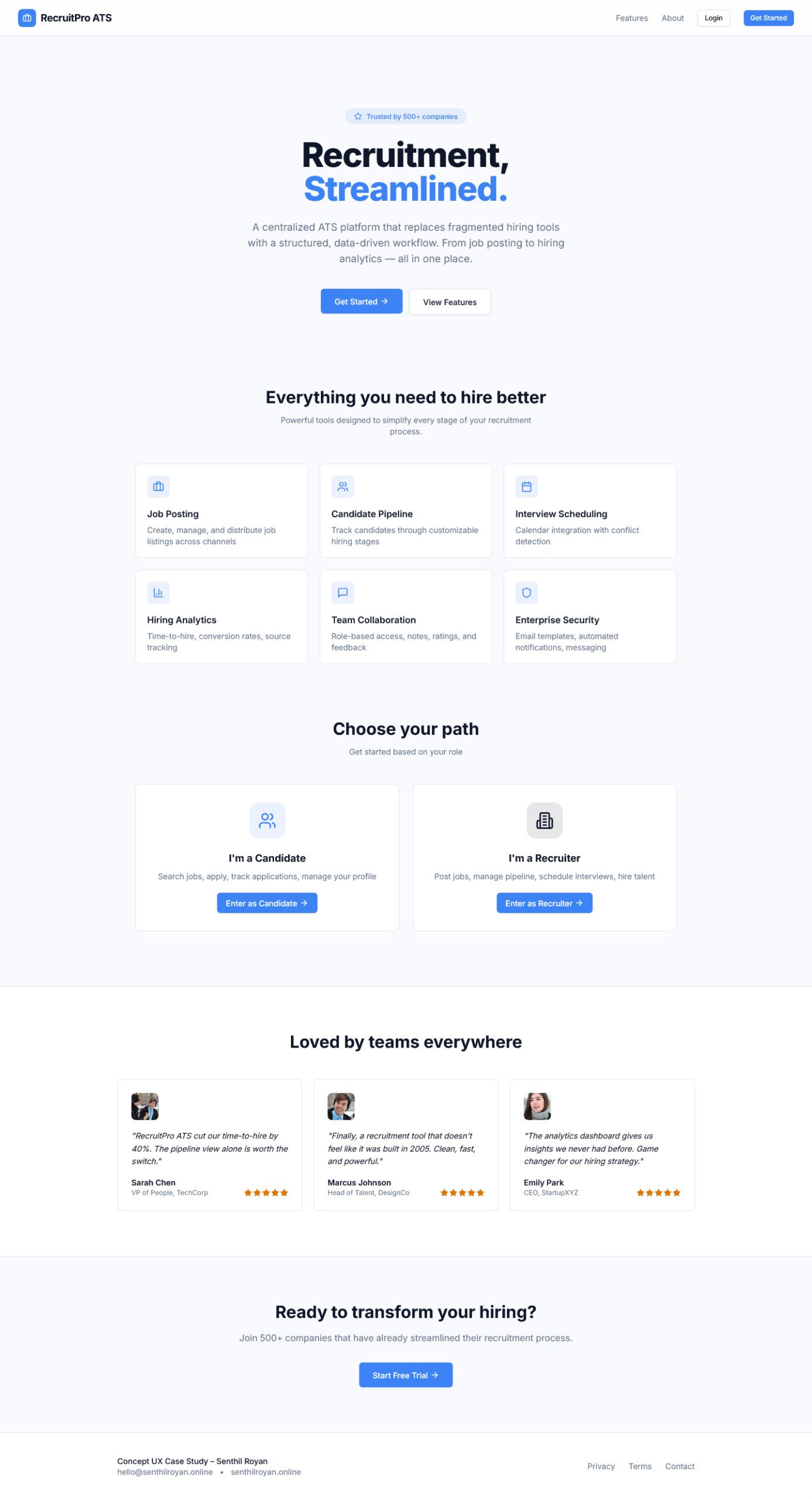
Home
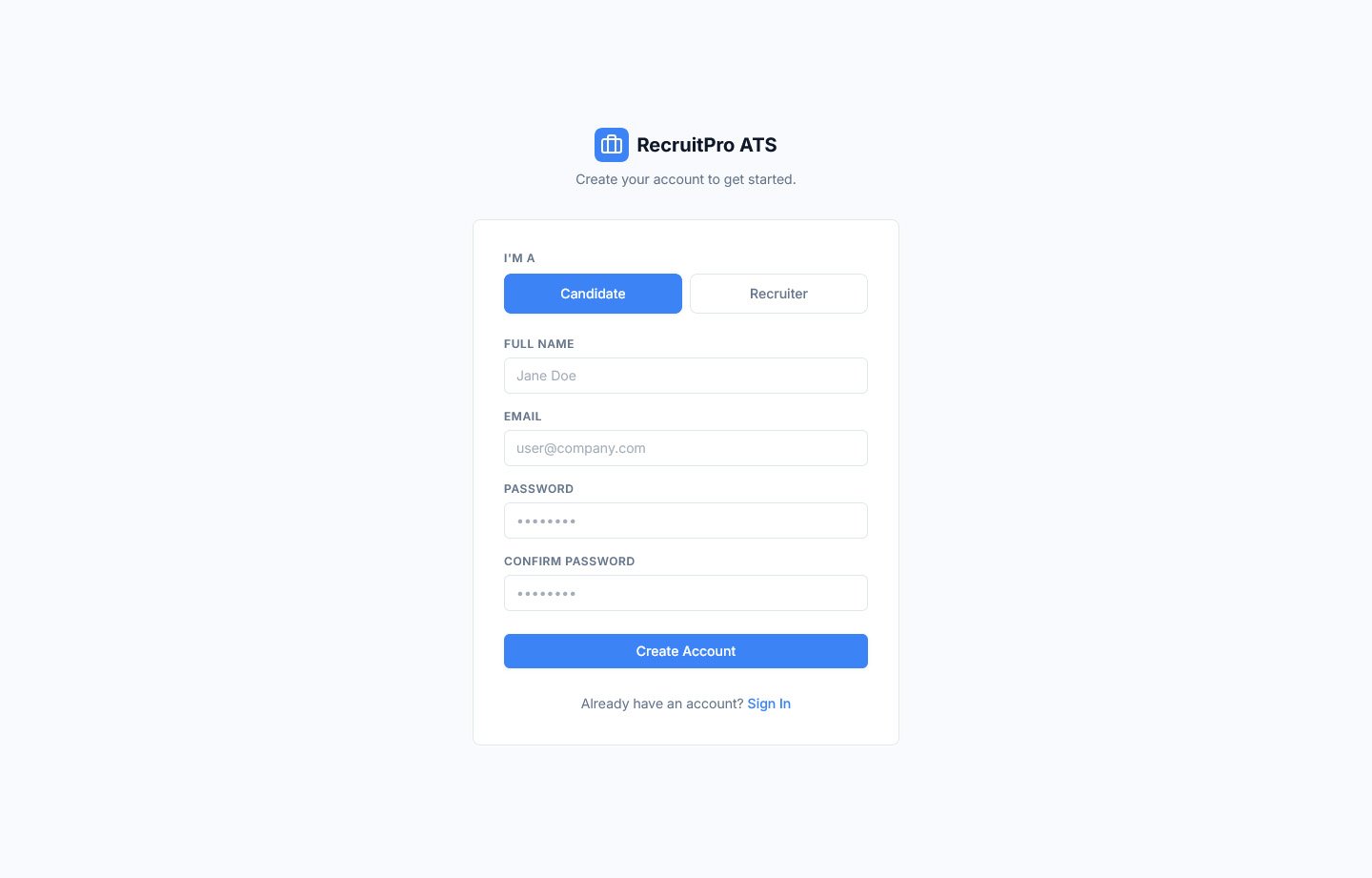
Login
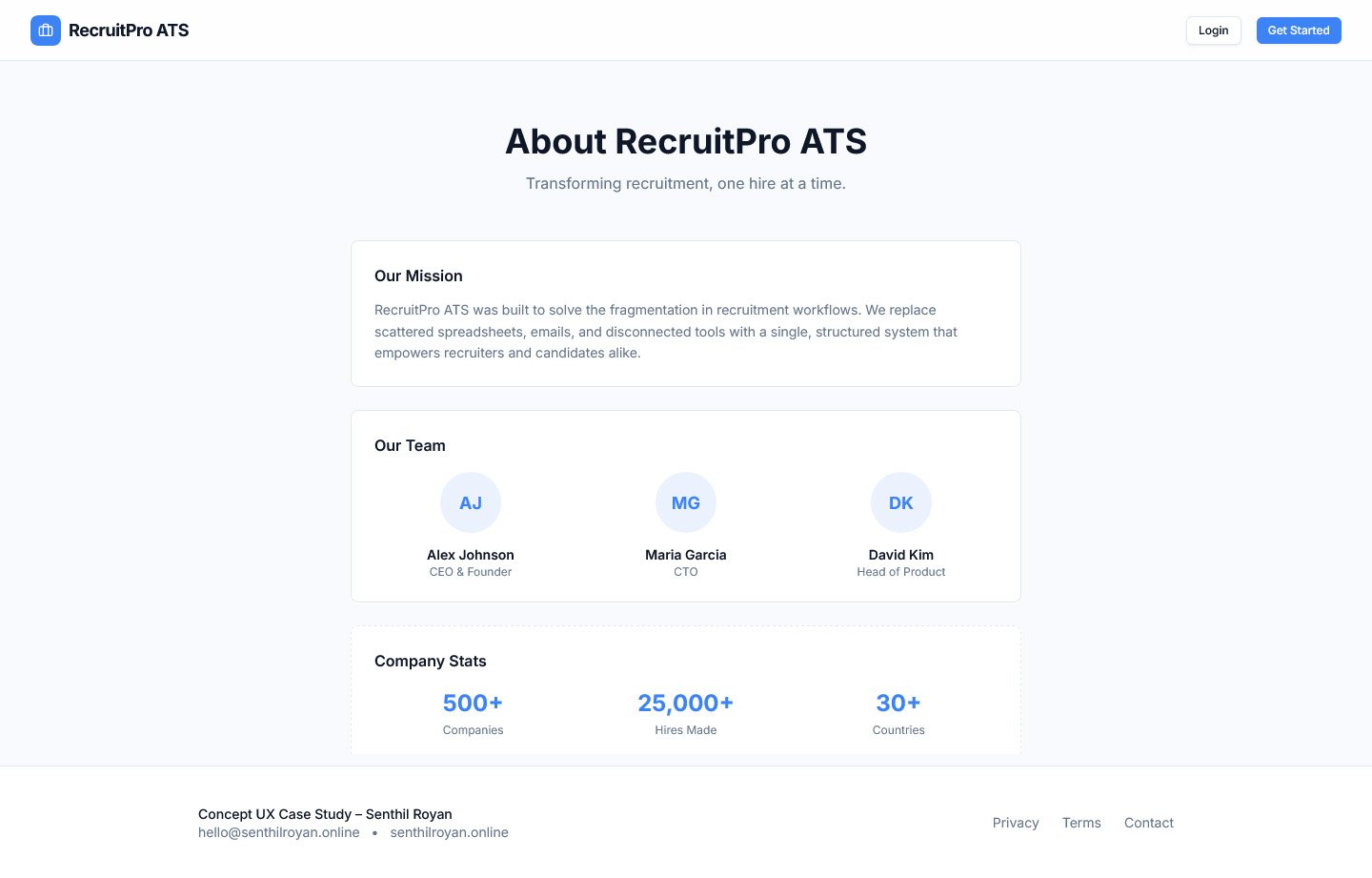
About
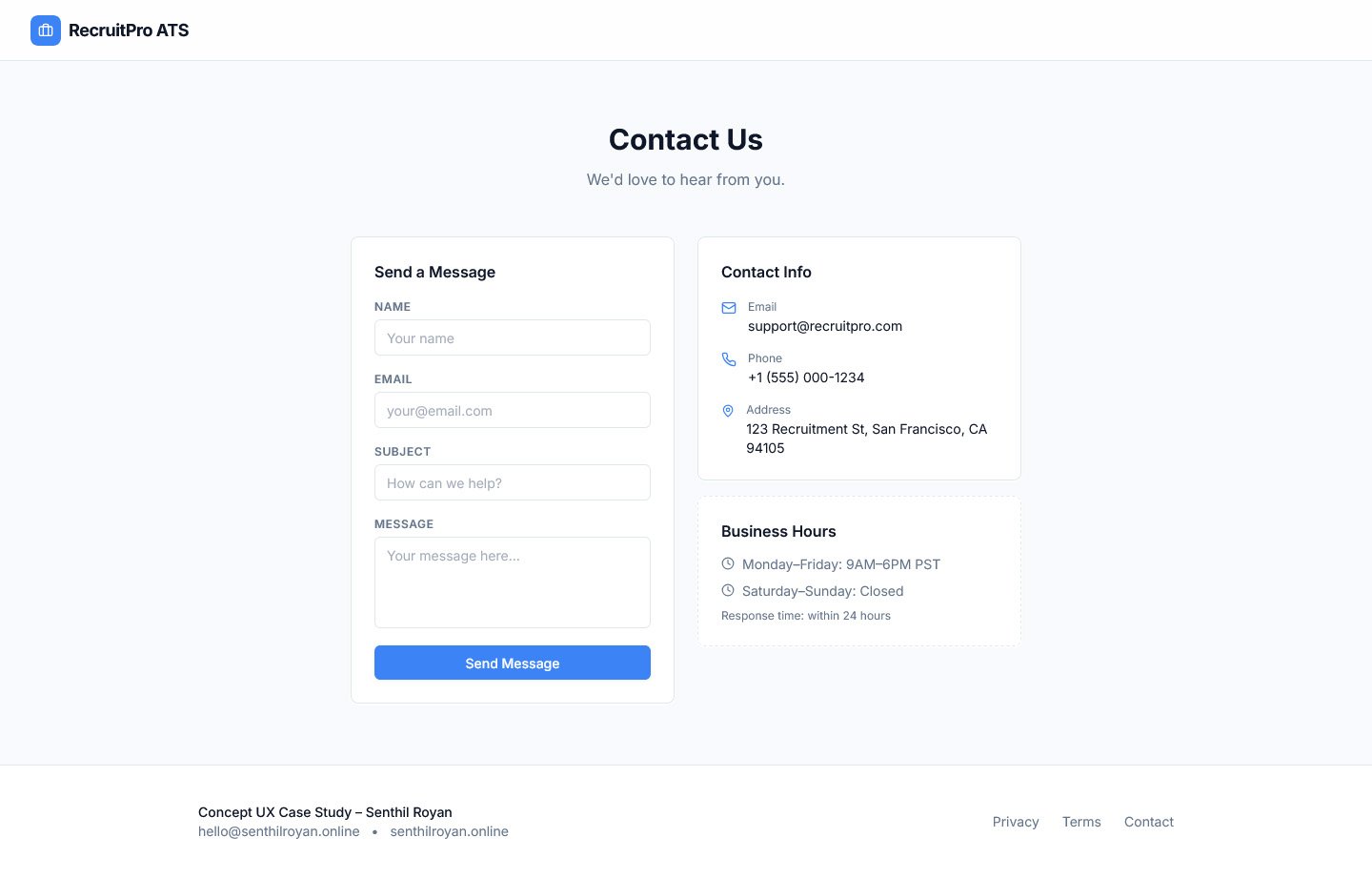
Contact
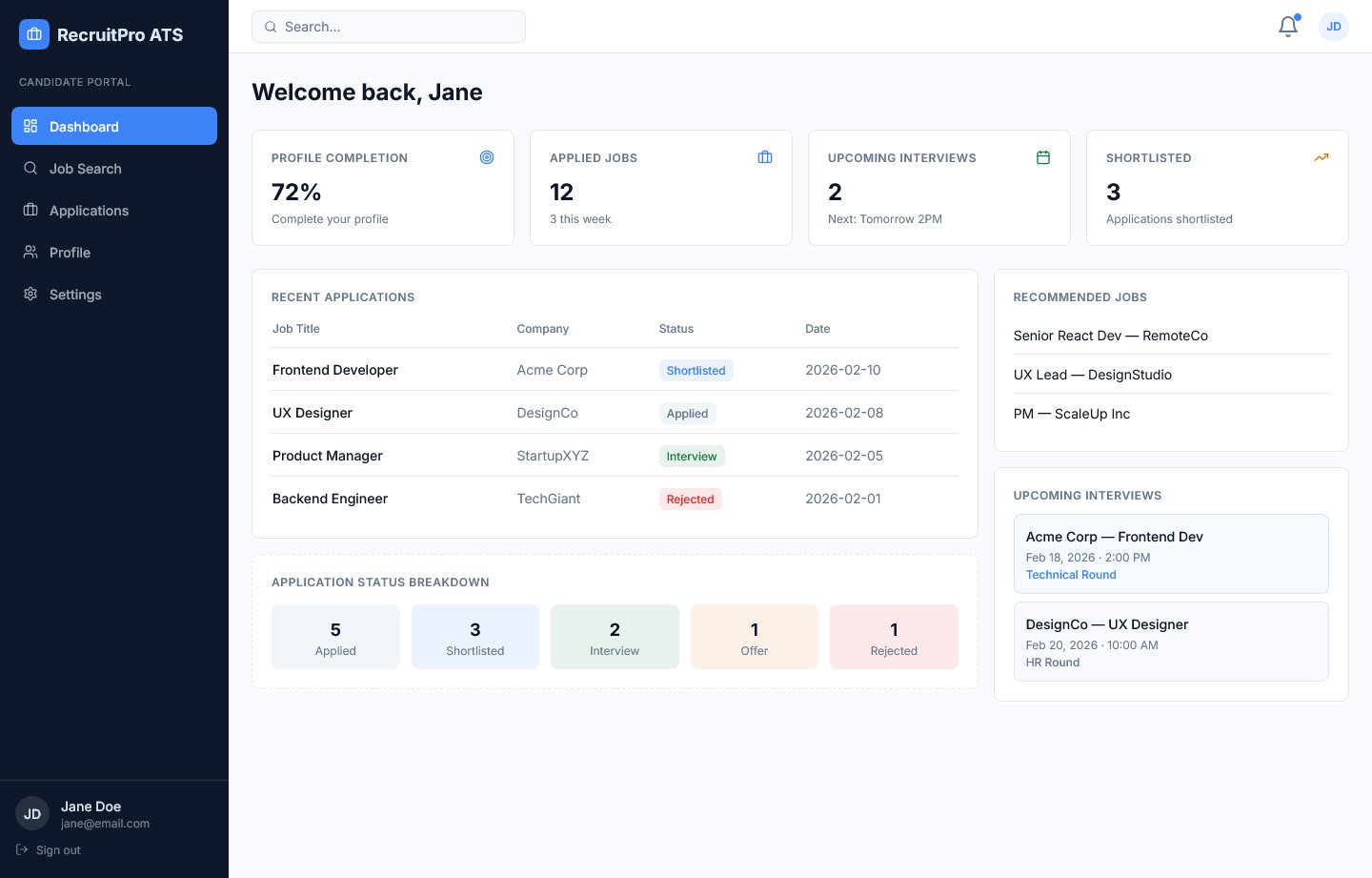
Candidate
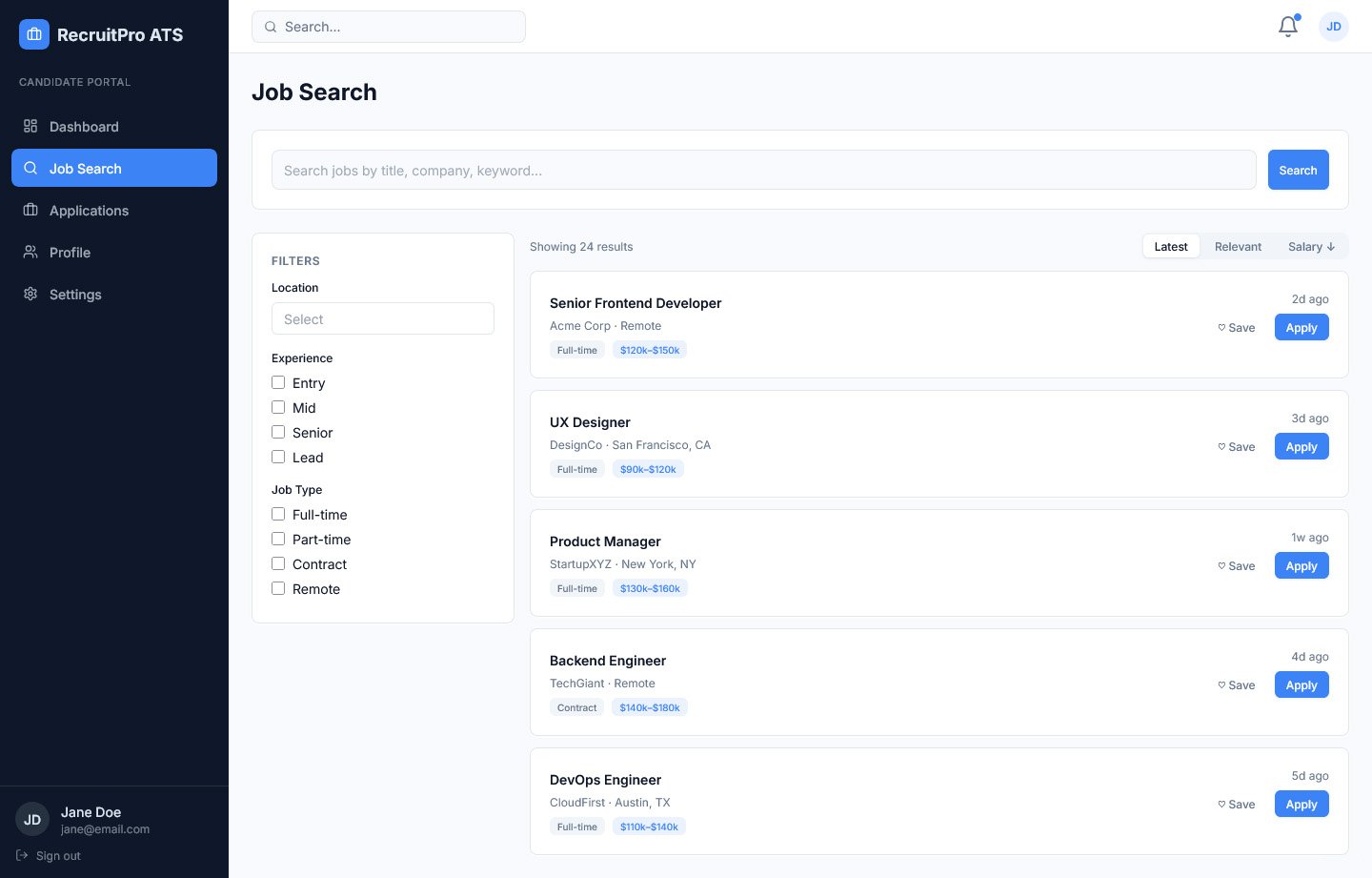
Job Search
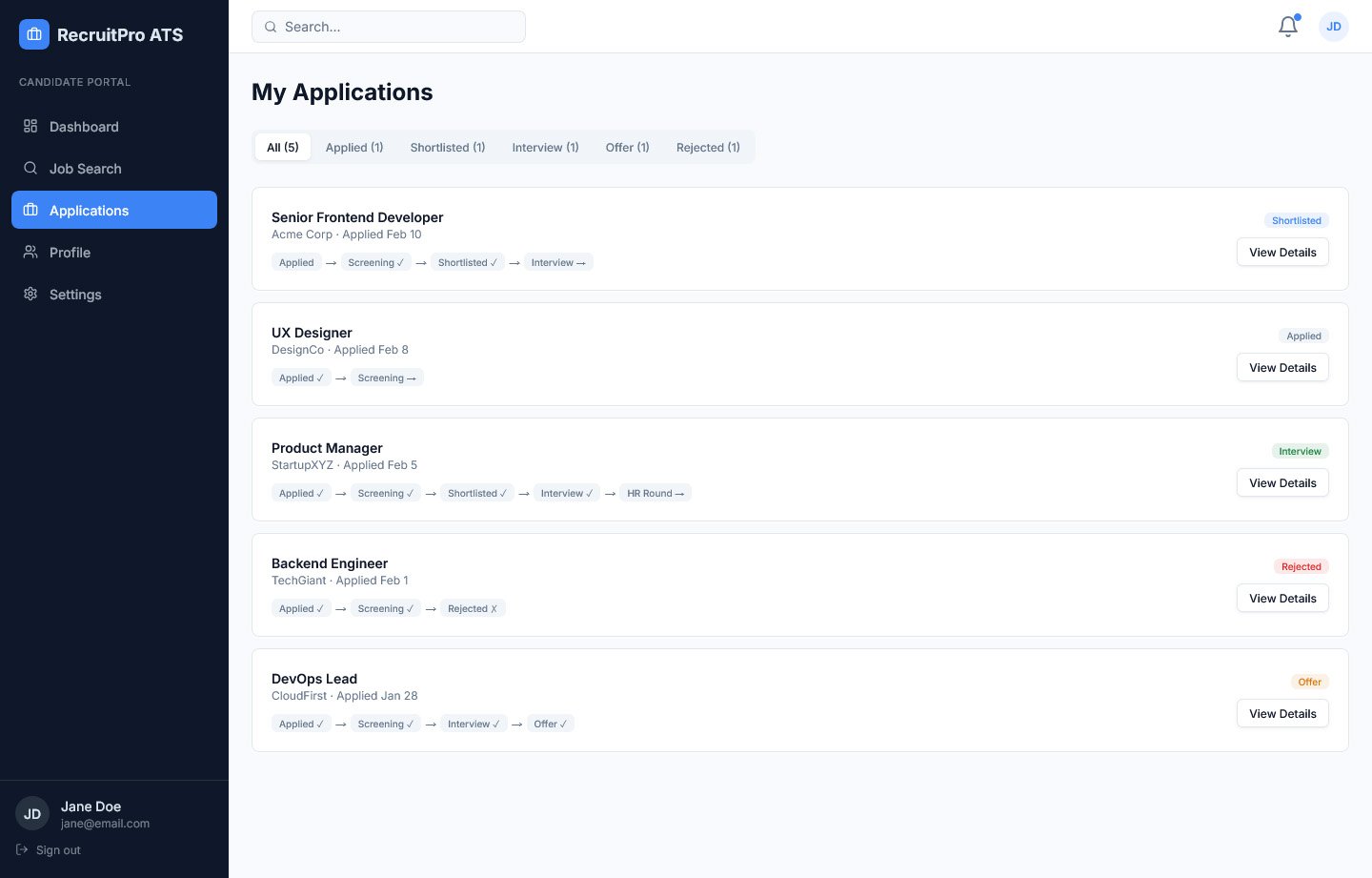
Dashboard
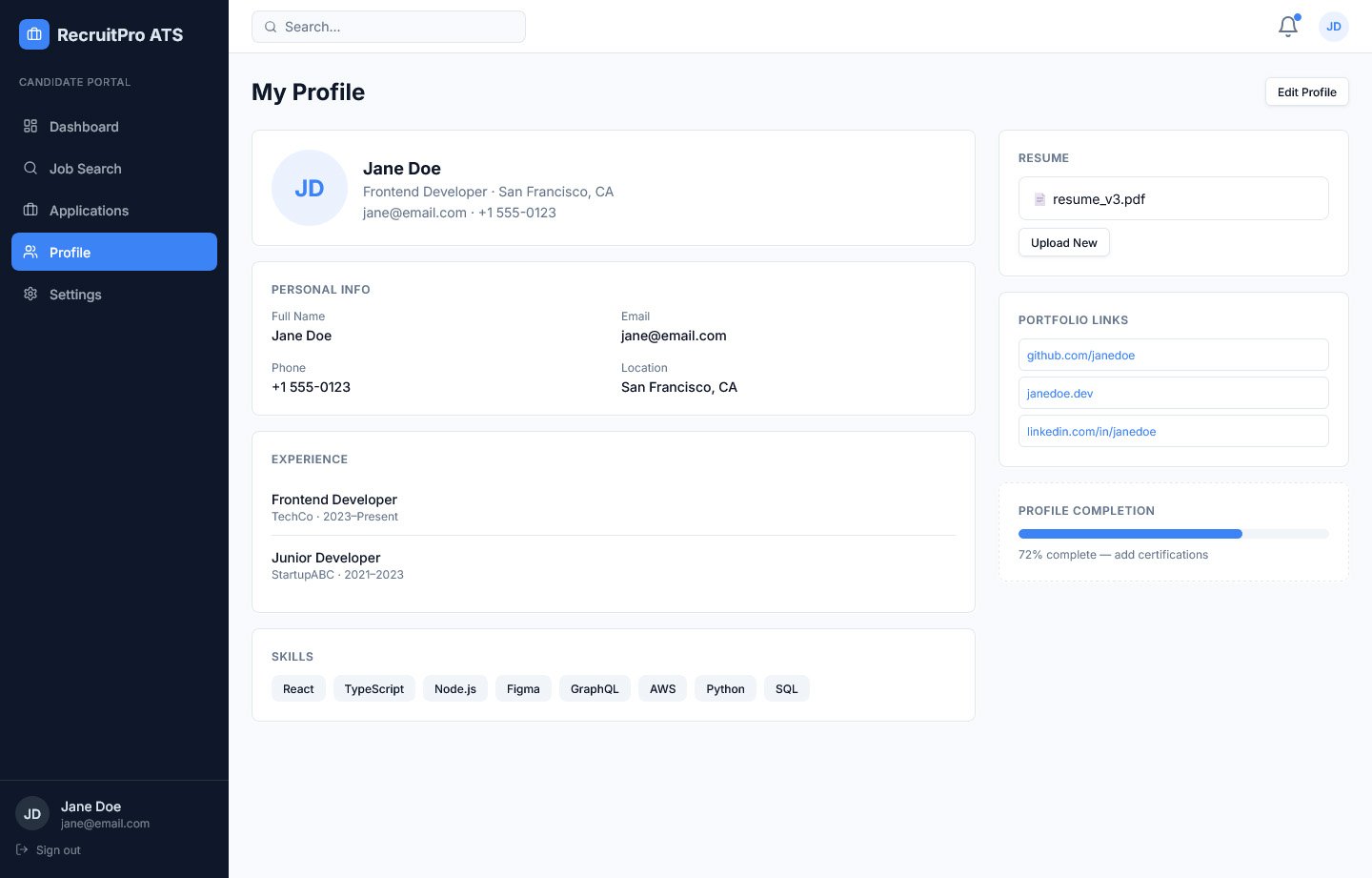
Profile
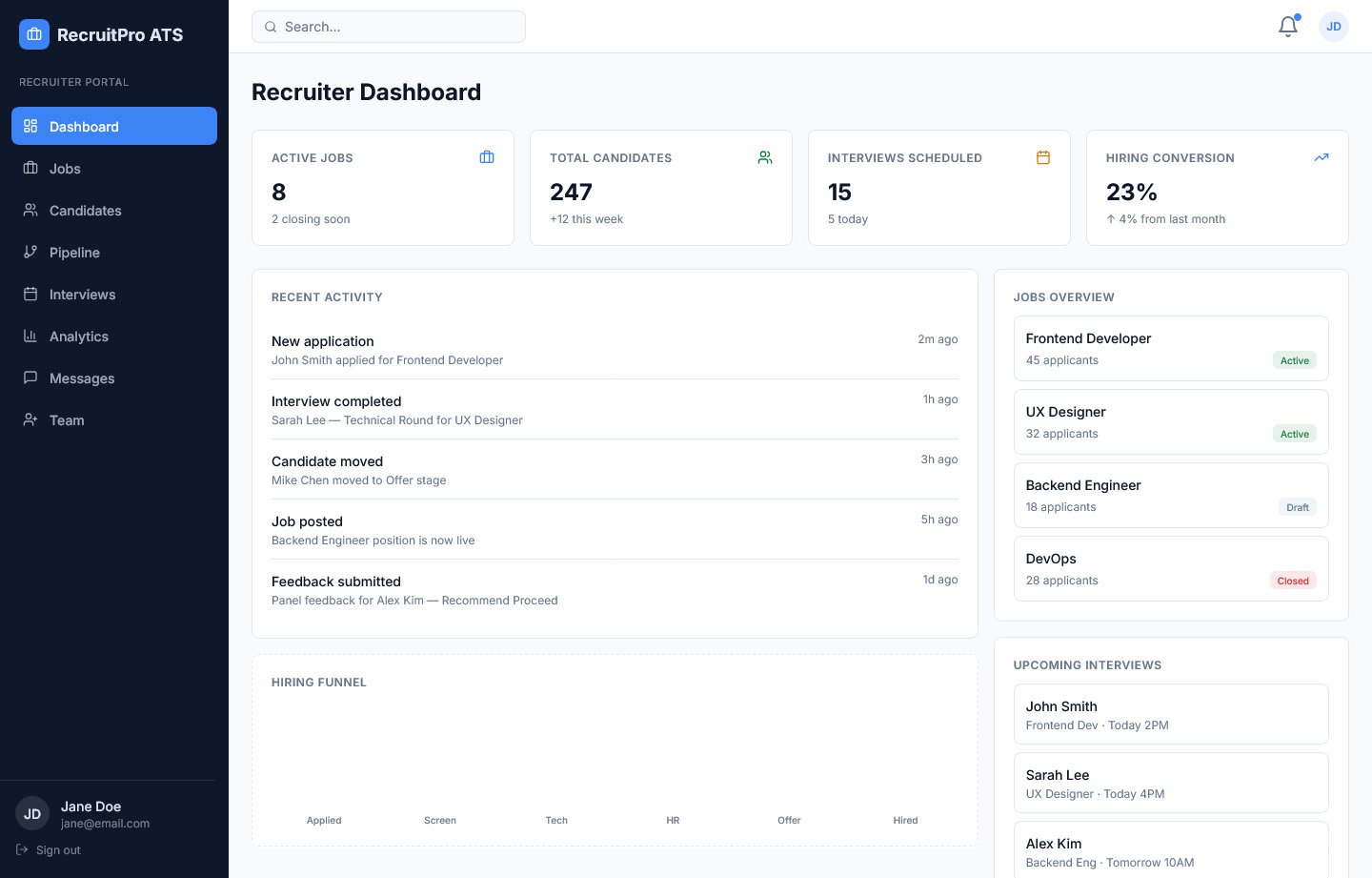
Recruiter
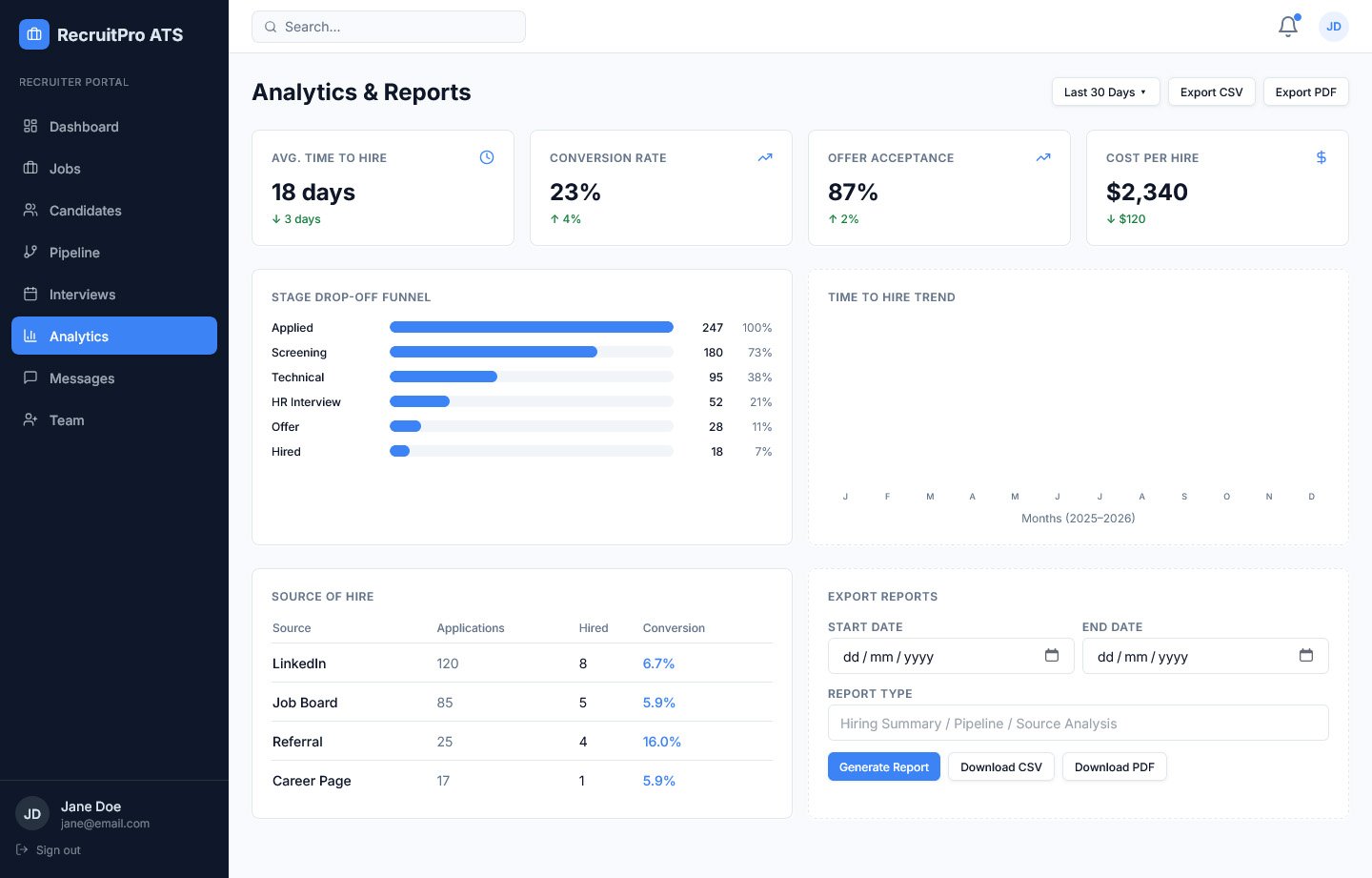
Recruiter Analytics
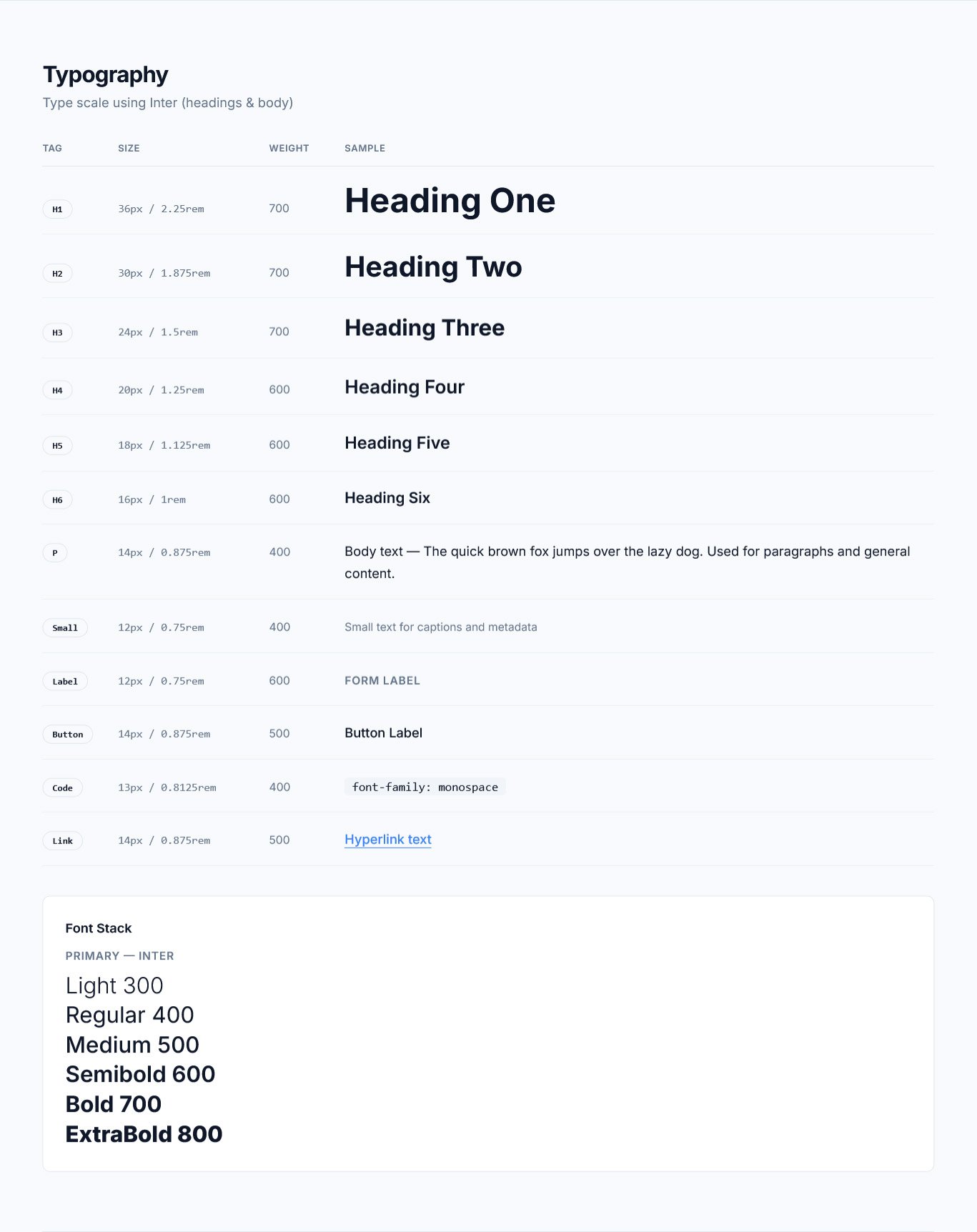
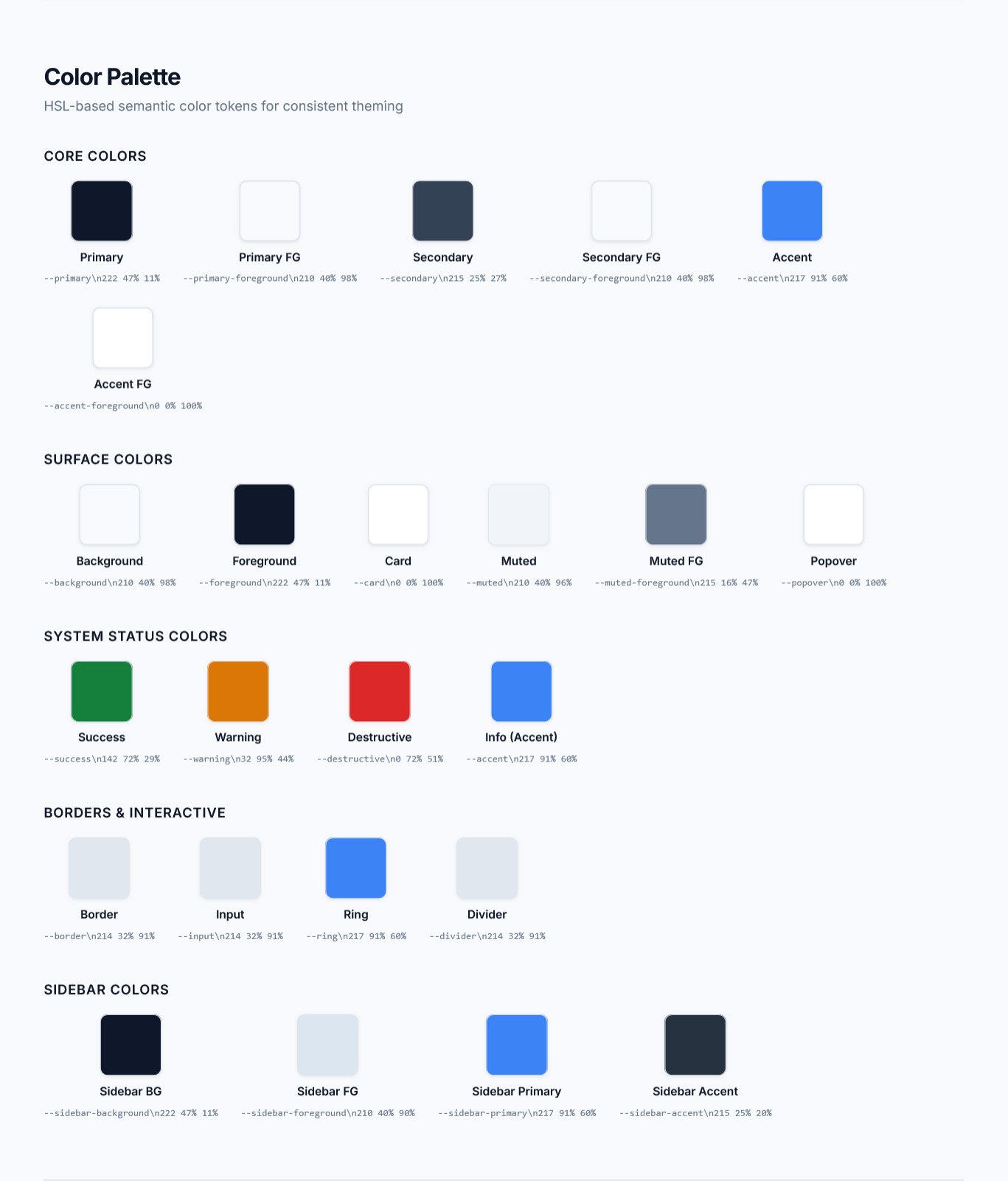
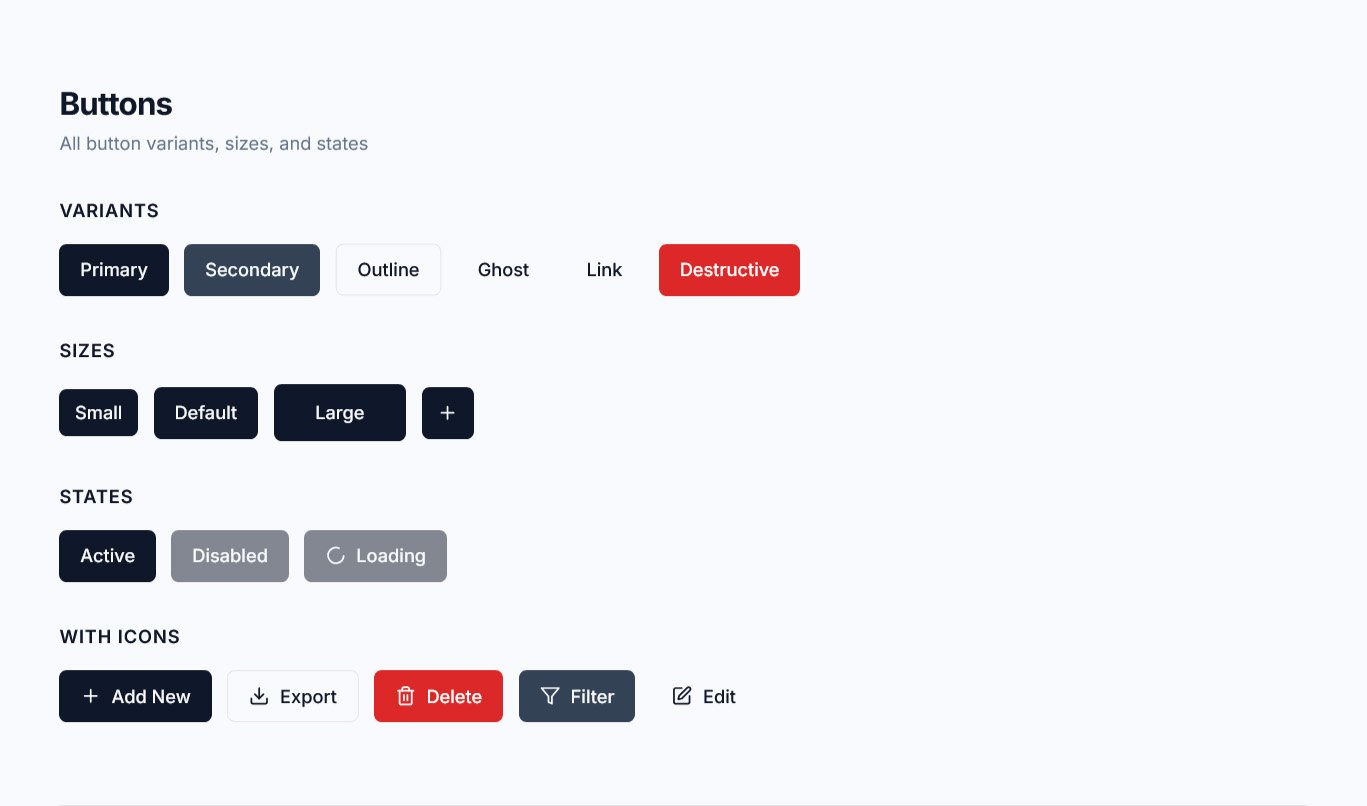
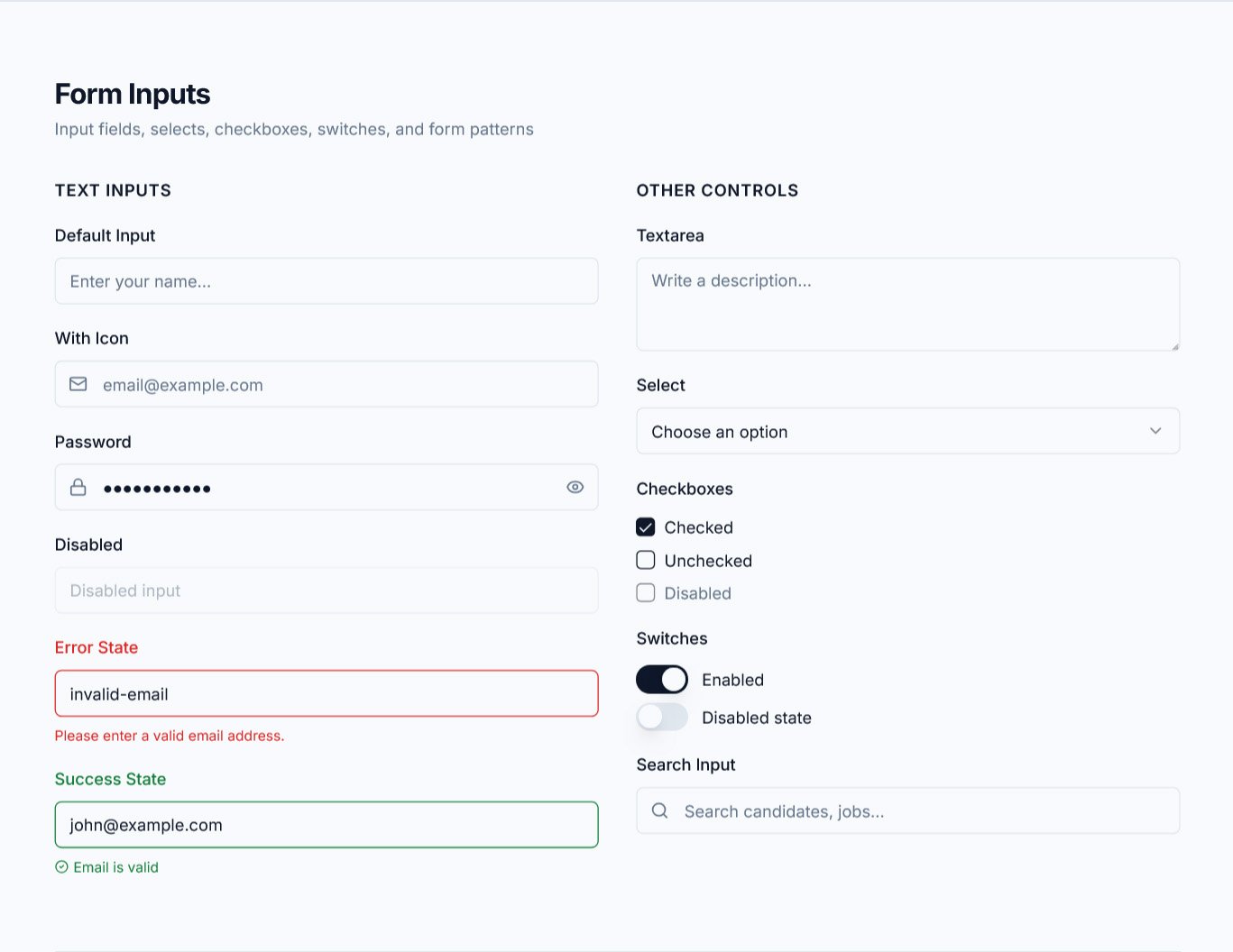
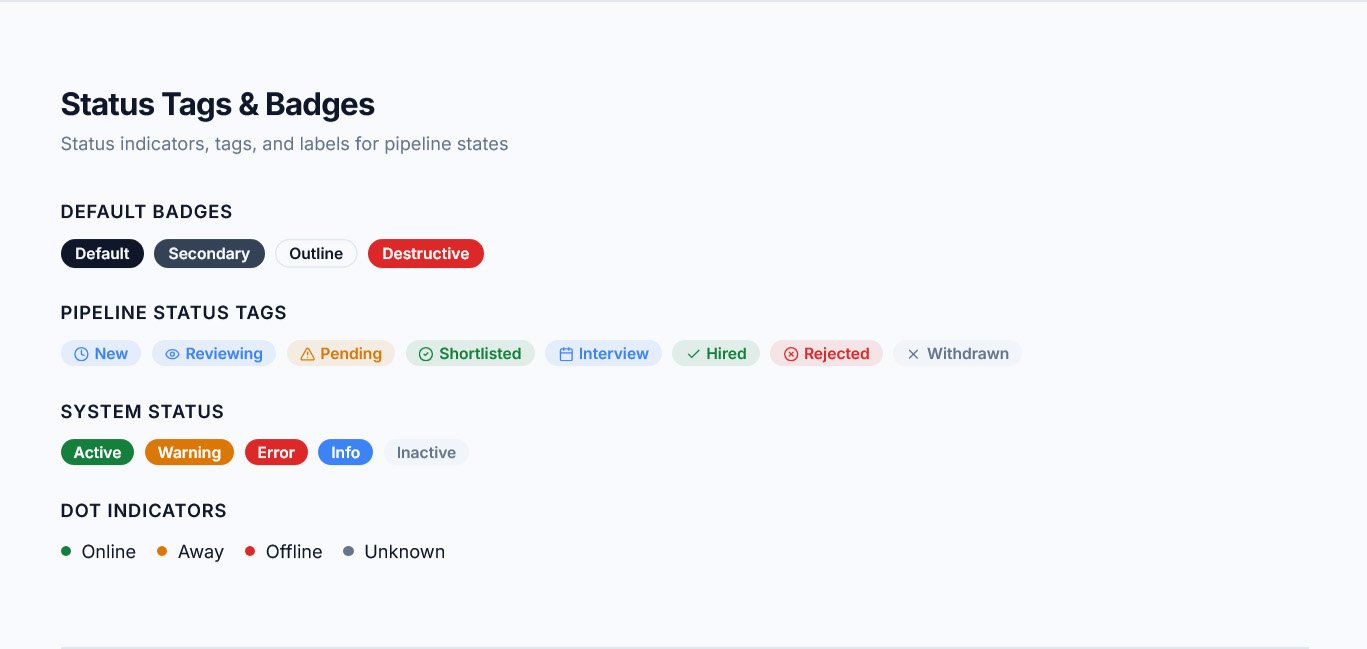
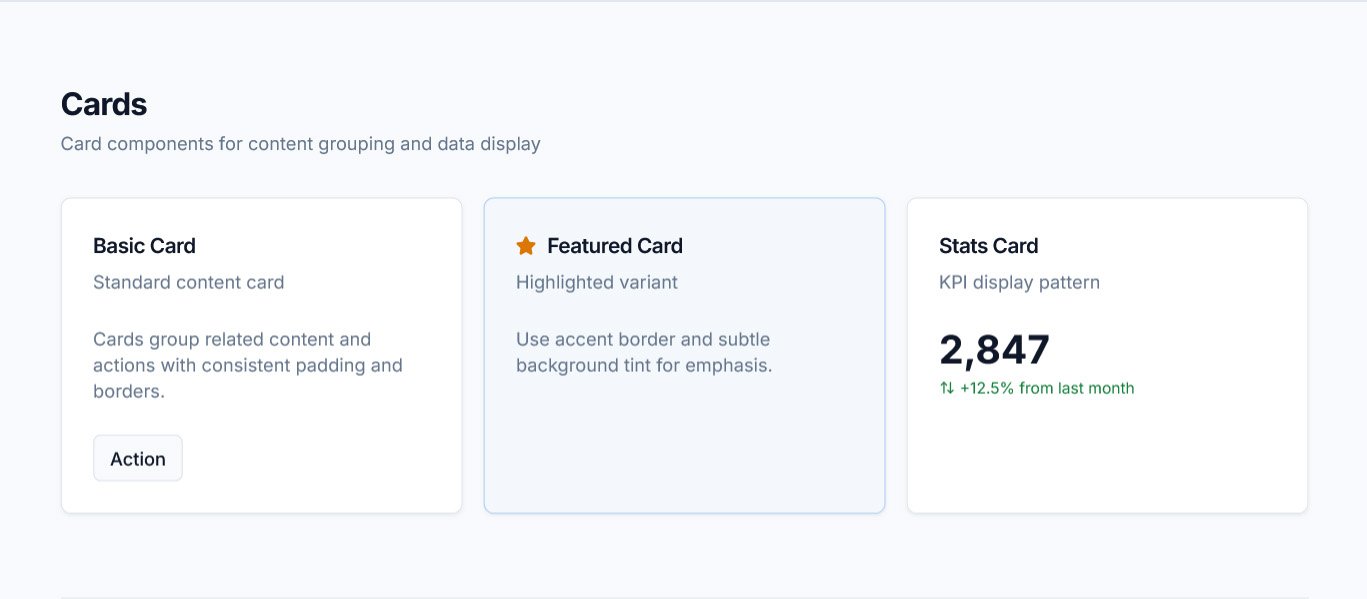
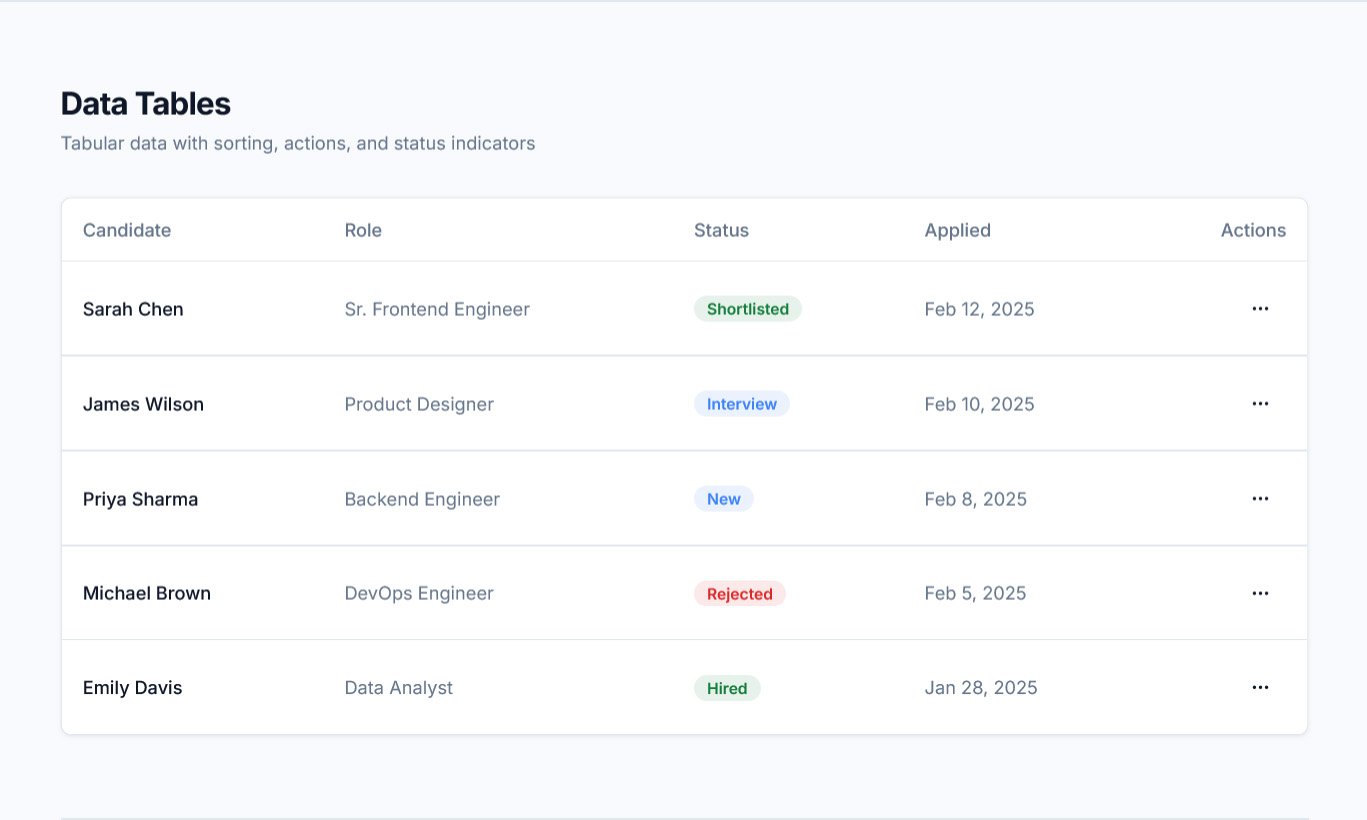
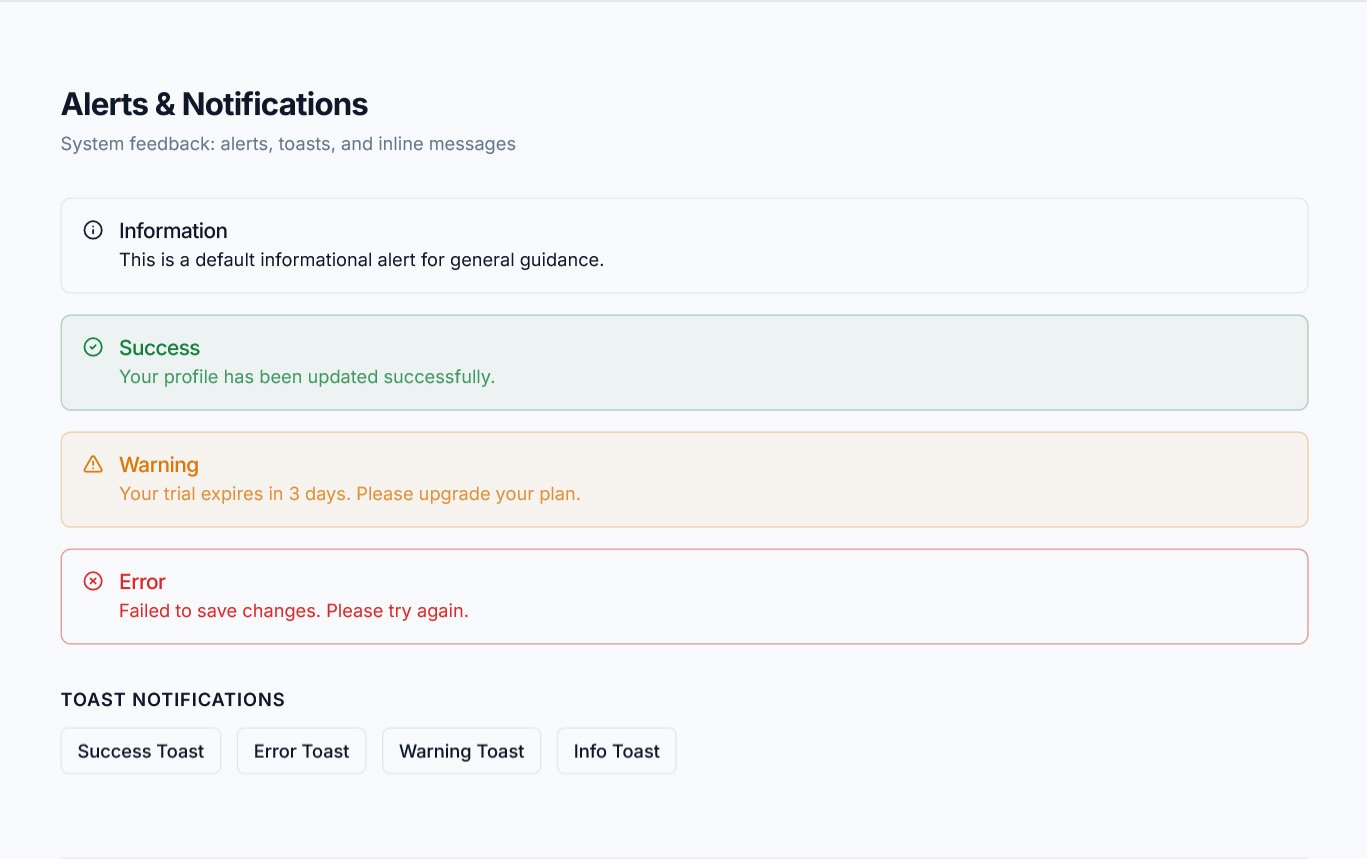
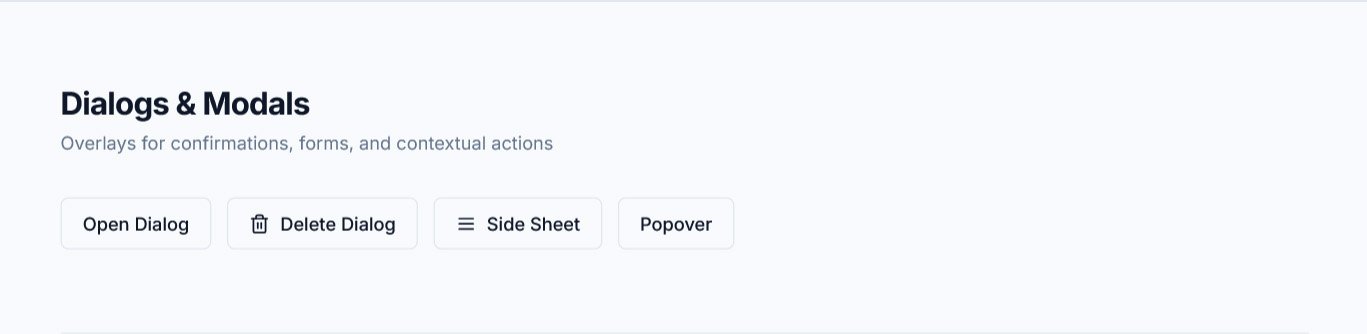
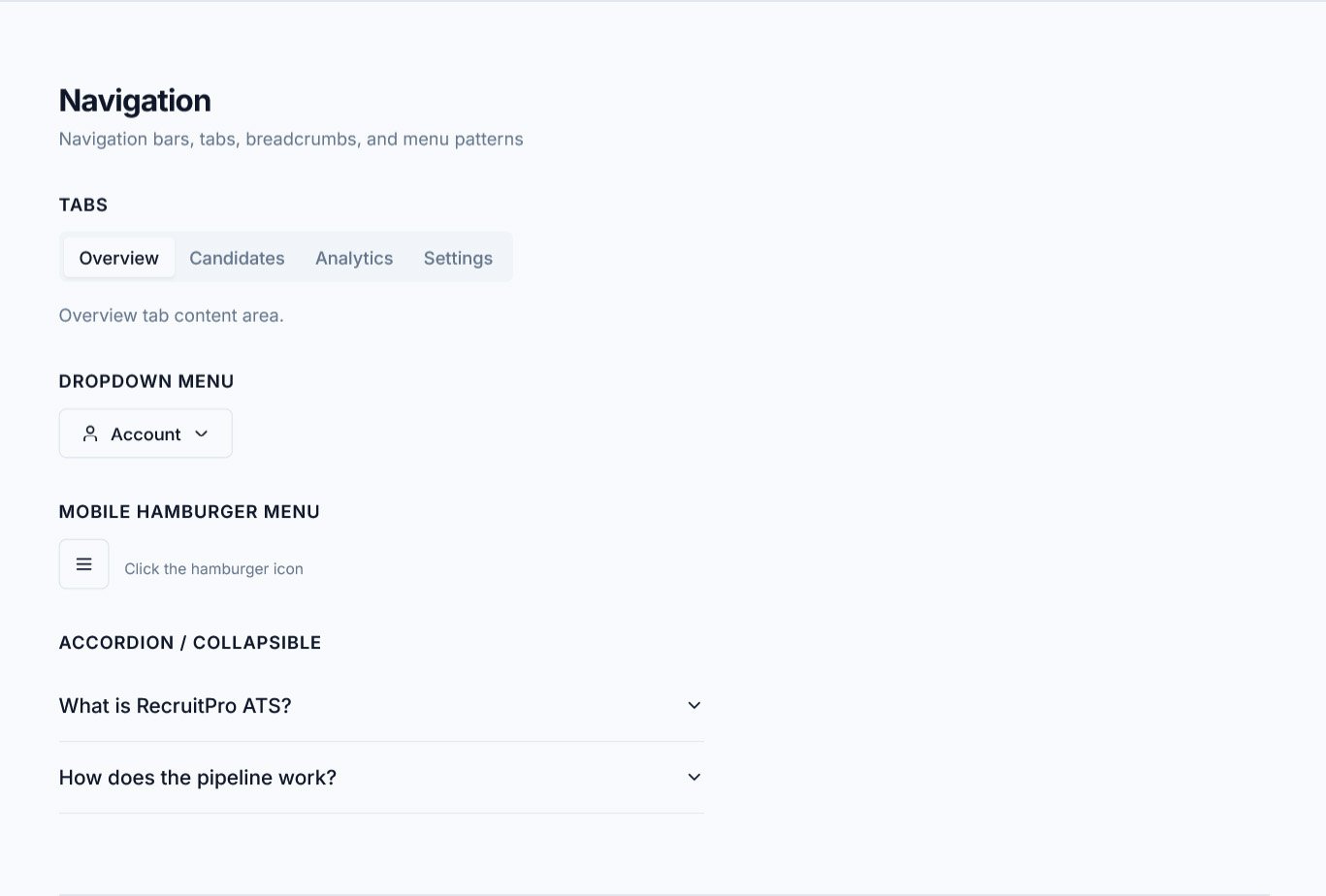
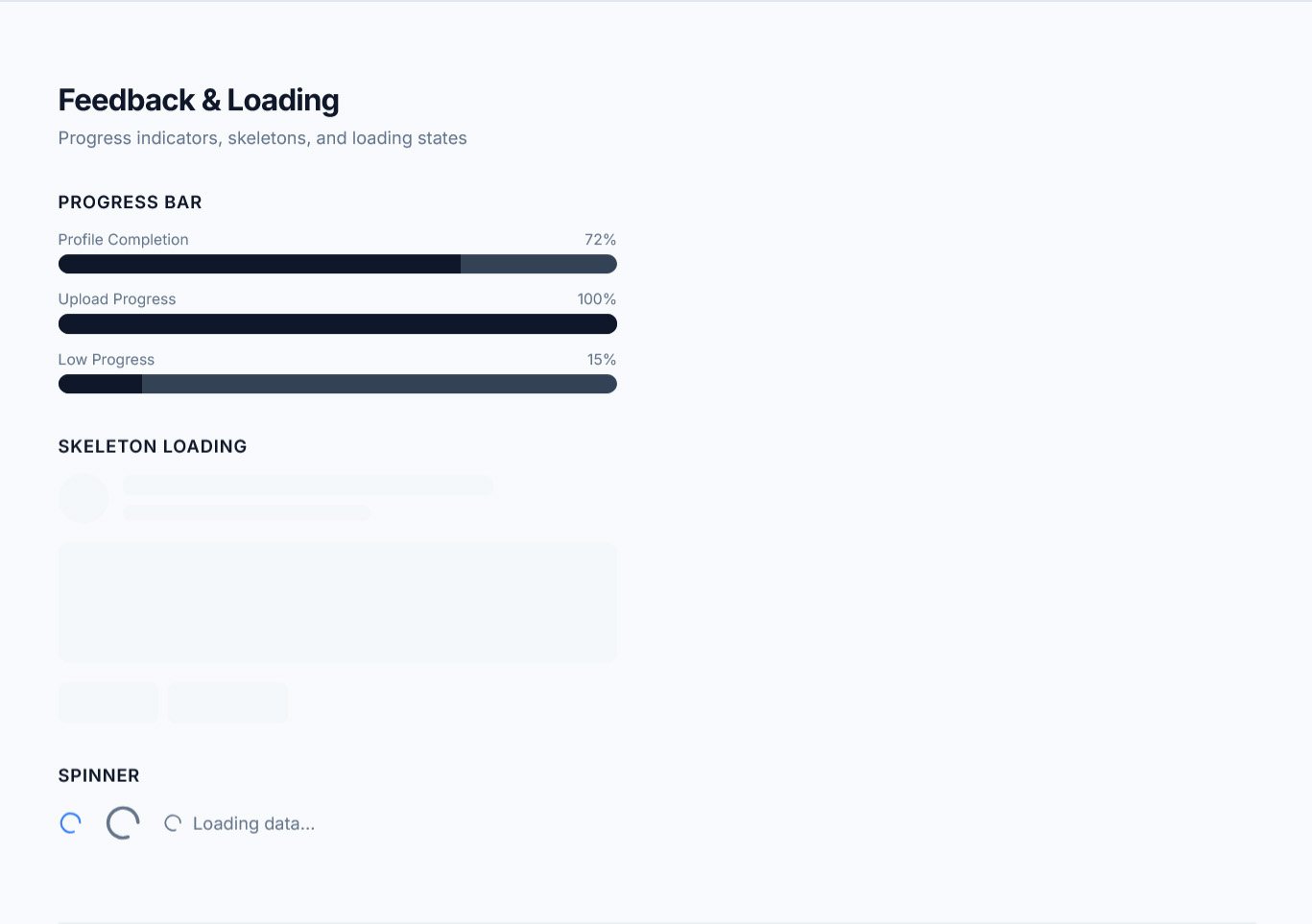
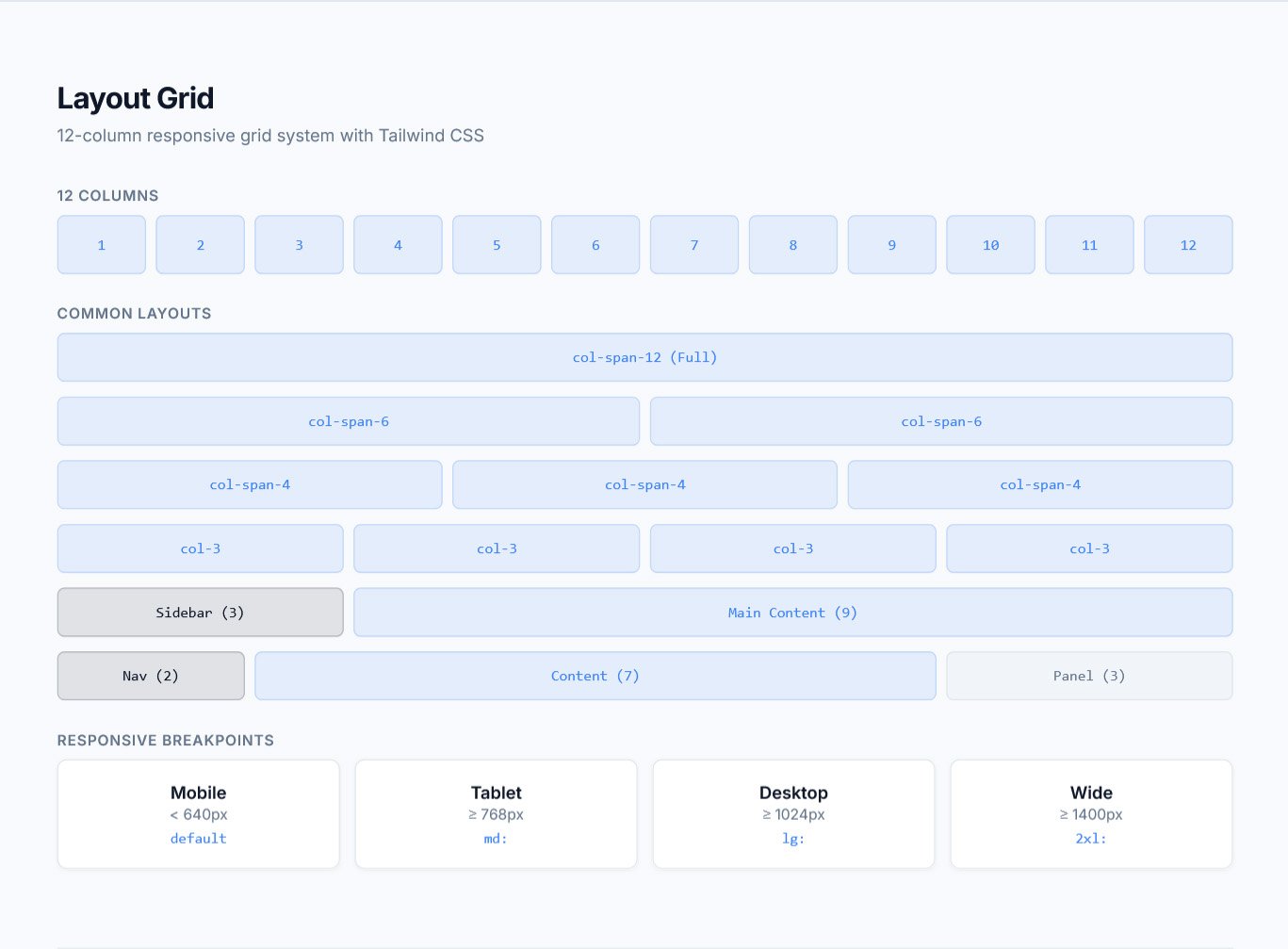
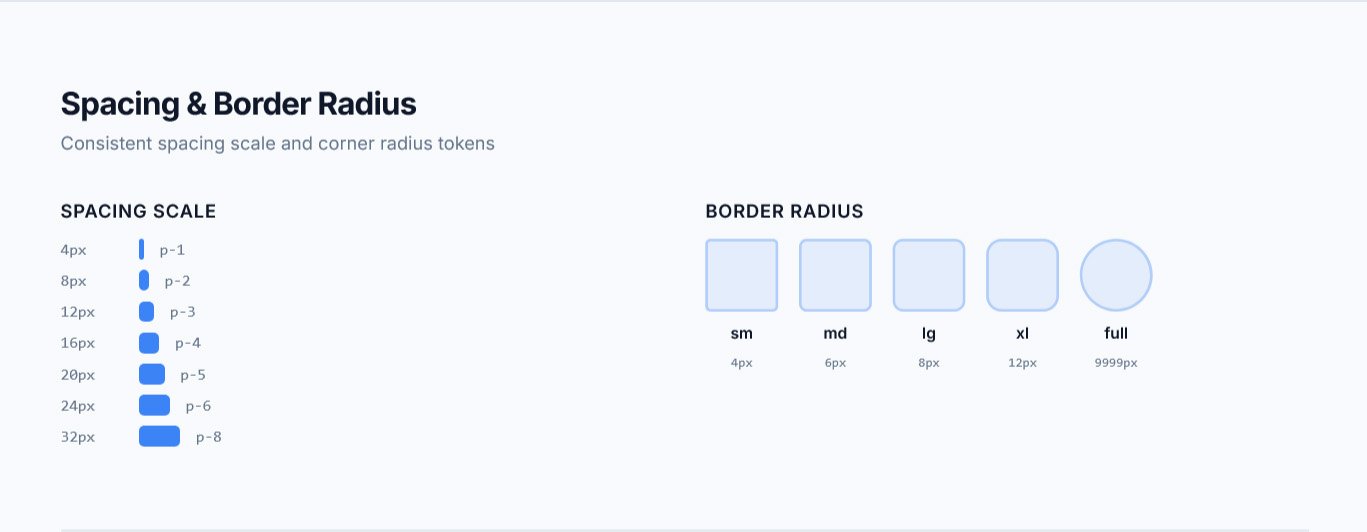
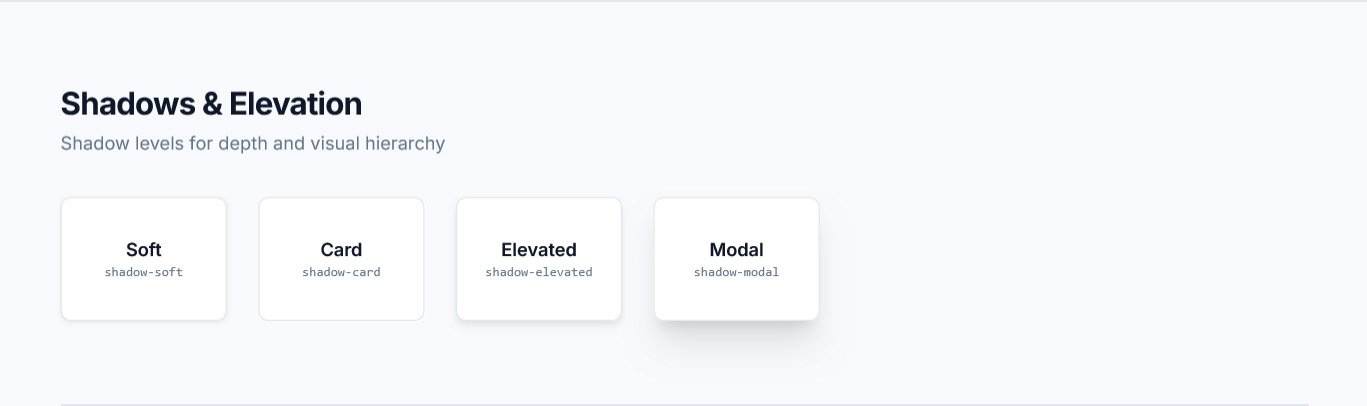
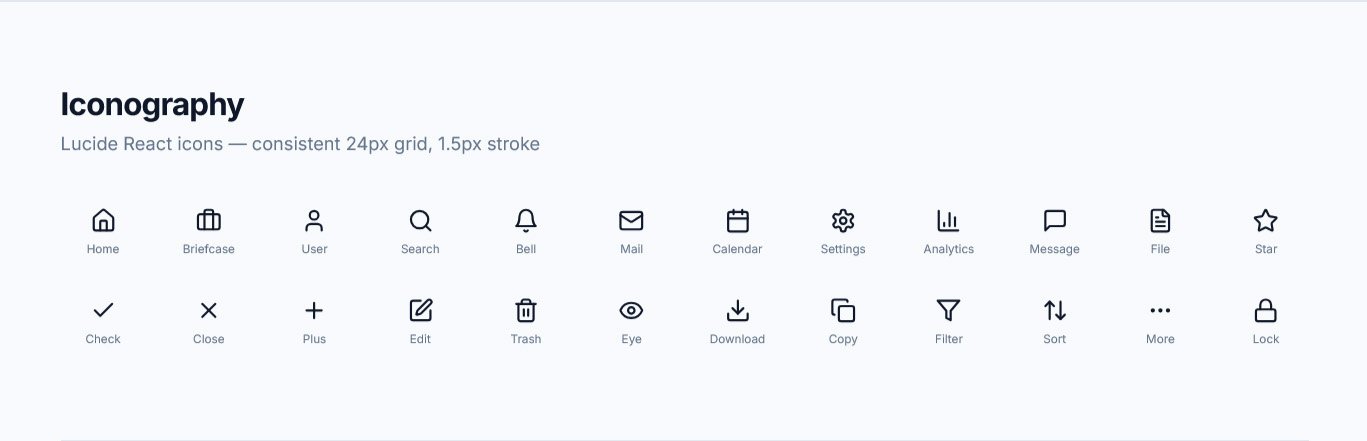
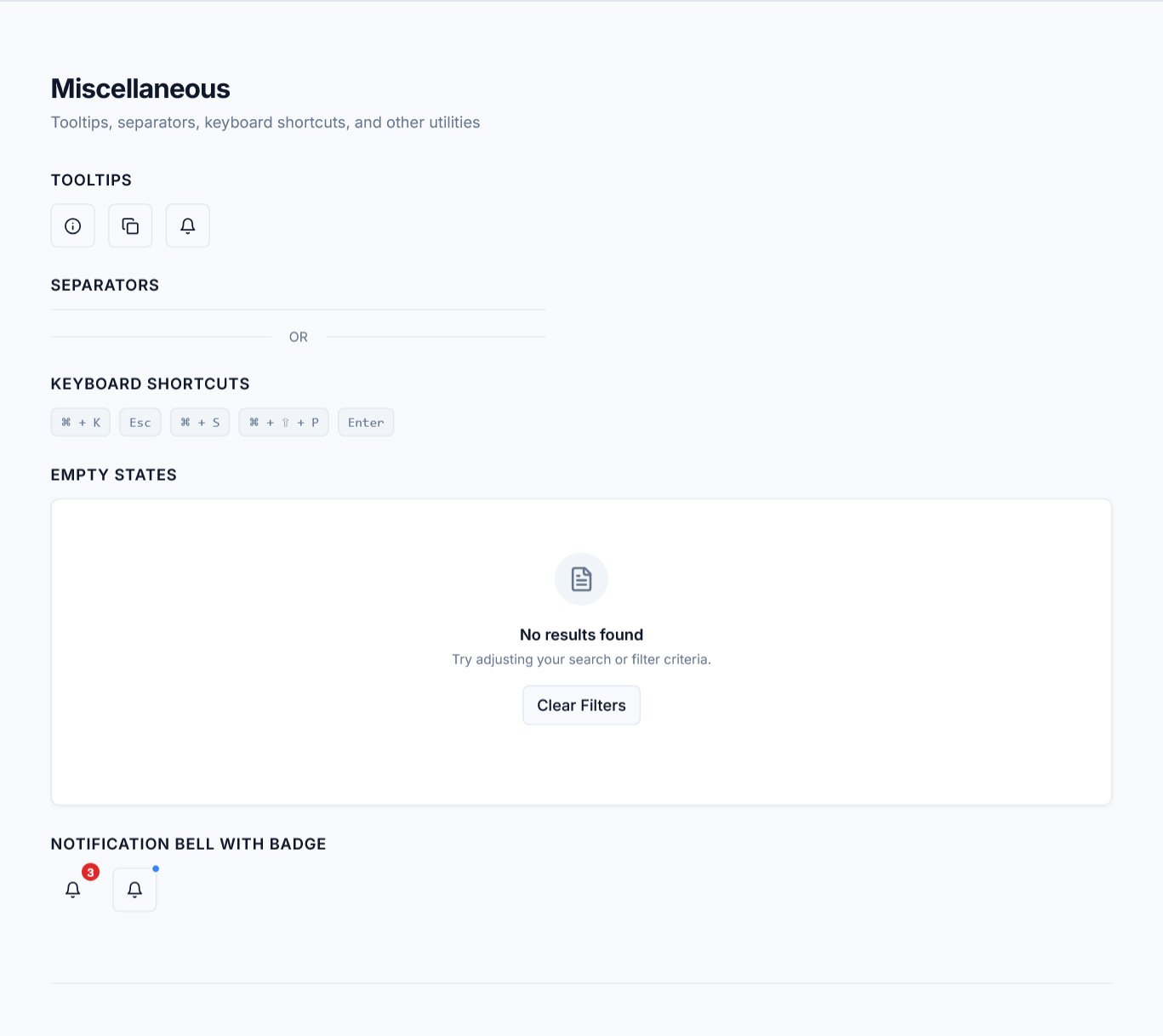
Design System
To ensure scalability, a structured design system was created. This ensures future product expansion remains consistent.
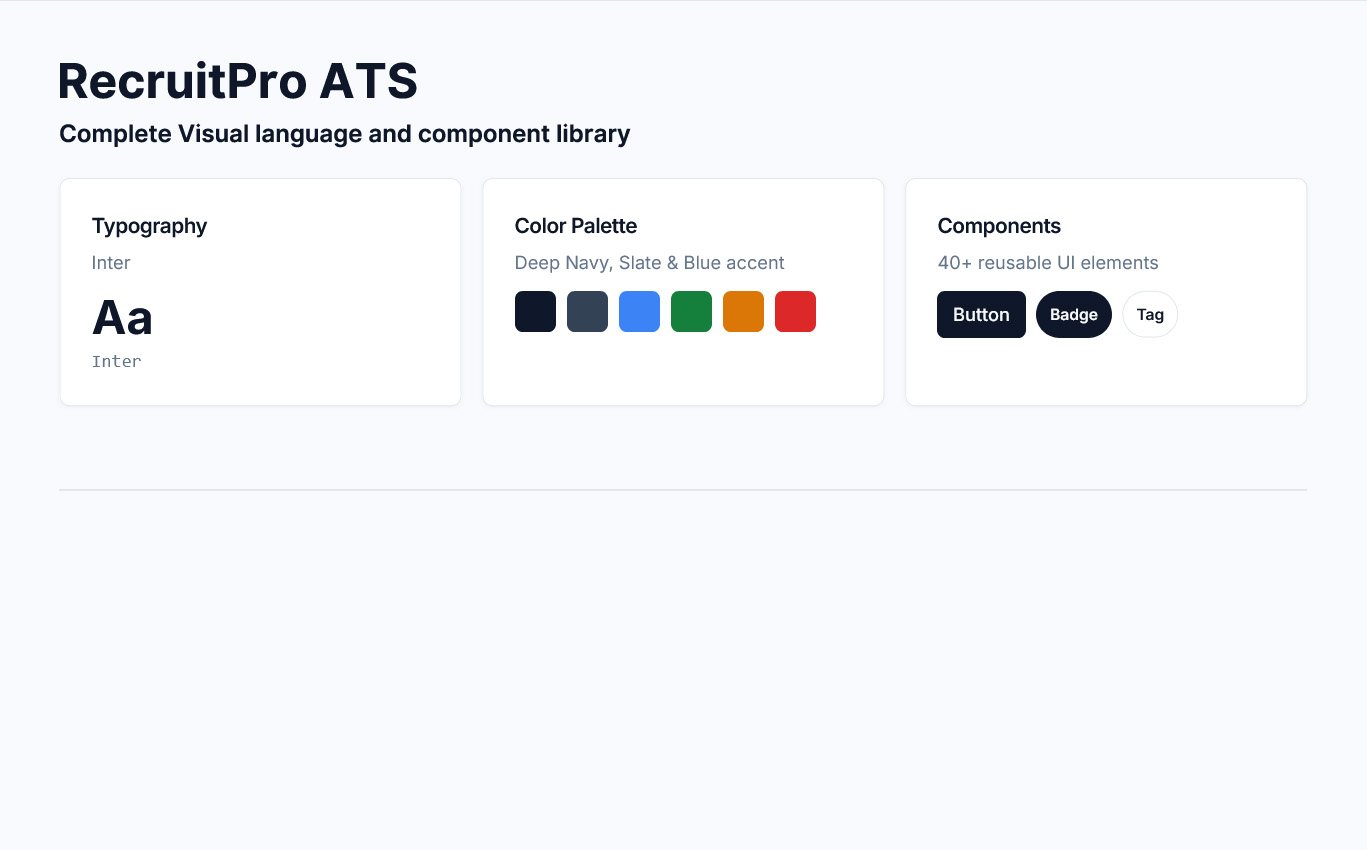
Challenges & Solutions
Challenges
• Manage multiple open roles
• Screen large volumes of candidates
• Coordinate interviews efficiently
Solutions
• Monitor hiring performance
• Track recruitment metrics
• Make strategic hiring decisions
Accessibility Considerations
• Sufficient color contrast for readability
• Clear typography hierarchy
• Structured layout for screen scanning
• Logical navigation flow
• Consistent icon labeling
Outcome & Impact
Although this is a concept project, the proposed solution demonstrates potential impact:
40%
of recruiters rely on spreadsheets alongside ATS tools, resulting in fragmented workflows.
3X
struggle to efficiently track interview progress across multiple hiring stages.
92%
reported limited access to real-time hiring analytics and performance dashboards.
Key Learnings
• SaaS dashboards require strong hierarchy to reduce cognitive overload
• Data visualization must prioritize clarity over decoration
• Component systems ensure scalability
• Product thinking improves usability beyond UI aesthetics
Future Improvements
AI-Powered Resume Matching
Intelligent candidate-job matching using machine learning
Automated Interview Scheduling
Smart calendar coordination with automated reminders
Advanced Performance Forecasting
Predictive hiring models and pipeline analytics
Team Collaboration Features
Shared notes, scorecards, and evaluation workflows